Aiden Unifies Touch Gestures and Adds Visual Action Checks
Aiden Unifies Touch Gestures and Adds Visual Action Checks
Major Update: We merged PR #595, PR #602, PR #588, PR #598, PR #600, and PR #596 to give Aiden a unified touch-action contract and clearer post-action screen feedback. Within a supported device configuration, you can describe a swipe, drag, or atomic touch through touch_gesture, inspect the screen before releasing a drag, and receive a concise action result with its supporting image.
The problem we fixed
A device-control Agent needs two things from an action: a consistent way to express what it should do and a clear observation of what happened next. Before these changes, related touch actions did not share one complete contract. The result path could also carry image data both as a text result and as an attachment, adding information the model did not need to process twice.
Dragging creates an additional challenge. A single opaque drag command does not give the Agent an observation point while contact is still active. If the destination or visible state changes during the gesture, the Agent needs a chance to inspect that state before it releases contact.
The update addresses these problems together. It aligns the gesture interface, adds a defined inspection point to dragging, and makes action results easier for the model to consume.
What changes in Aiden
Swipe, drag, and atomic touch actions now use the touch_gesture contract. You can define a gesture by direction or by explicit start and end points. You can also set its speed, duration, and contact-hold behavior. This gives touch gestures for AI agents one vocabulary at the action layer while preserving the execution requirements of the configured device path.
A drag now runs as drag_start, a screen confirmation step, and drag_release. Aiden can begin the drag, preserve contact, provide the intermediate screen for inspection, and release after that confirmation step. The Agent is no longer limited to observing only after the complete drag has already ended.
Click-style actions now return a screenshot with a coordinate marker showing where the action occurred. Aiden calculates screen change before adding that marker, so the annotation itself is not mistaken for a change in the underlying screen.
The result format is cleaner as well. Screenshot status remains in the text result, while the image is delivered as an image attachment. Removing duplicated Base64 image content from the text path leaves the model with a shorter status message and the visual evidence it needs. The changes also remove obsolete screen-dimension state from the flow.
What you can do now
For mobile device automation, you can express supported gestures through the same action semantics for HID and Android ADB configurations. You can provide a direction for a common swipe, use explicit coordinates for a more controlled path, or tune duration and contact hold when the gesture requires it.
You can also make dragging more observable. The Agent can start contact, review the intermediate screen, and then release. After a click-style action, the returned screenshot identifies the target coordinate, while the change calculation still reflects the unmarked screen. This makes the action and its visual result easier to evaluate together without treating the marker as device activity.
The reviewed Go and Python validation reported 86 passing checks for the core touch-gesture work. That evidence covers the reviewed implementation and test context and gives you a concrete basis for further device-specific testing.
The current boundary
These changes are merged into the open-source Aiden firmware repository. They do not mean the update is deployed to every Aiden device, and they do not establish identical behavior across every operating system, input backend, or hardware configuration.
HID and Android ADB can use the same action semantics within supported configurations, but actual compatibility still depends on device type and setup. The 86 passing checks are not a claim of complete hardware or platform coverage. The update also does not claim perfect visual understanding, automatic recovery, or measured gains in speed or accuracy.
You can inspect the six linked pull requests for the implementation details, test Aiden with your own supported device configuration, and follow the project’s continued open-source development.
Related posts
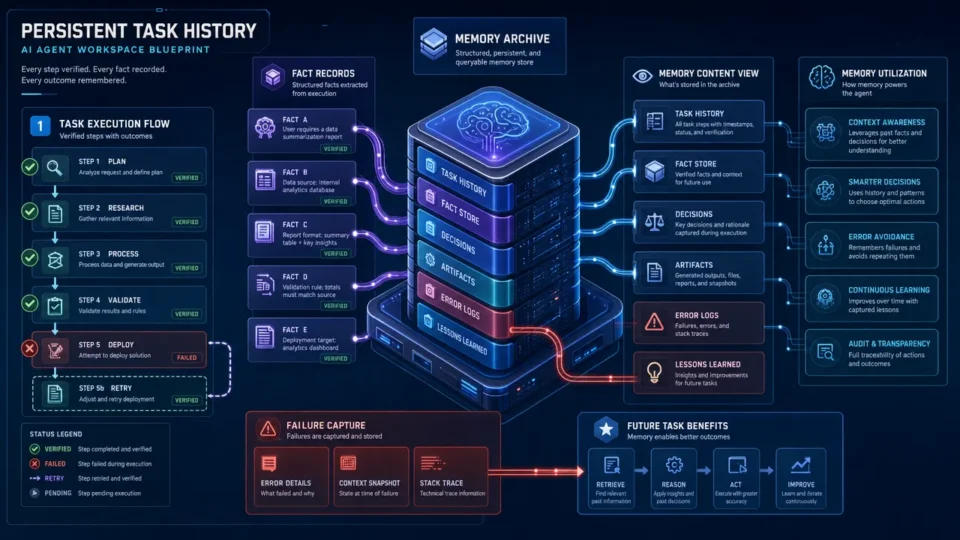
Aiden Builds Persistent Memory for Tasks and Notifications
AI agent task memory uses verified history and notification recall to reduce context loss across long-running work with lifecycle rules.
Aiden Adds a Cross-Platform Desktop Environment Bridge
Aiden’s cross-platform desktop automation bridge standardizes screenshots, input actions, and health checks for benchmark preparation.
Aiden Adds a Unified Firmware Build CLI and On-Device Smoke Tests
Aiden firmware build CLI unifies builds, parallel CI checks, and board-local smoke tests for structured validation and diagnosis.