No Unboxing, Just Open Source: Aiden’s Hardware Toolkit
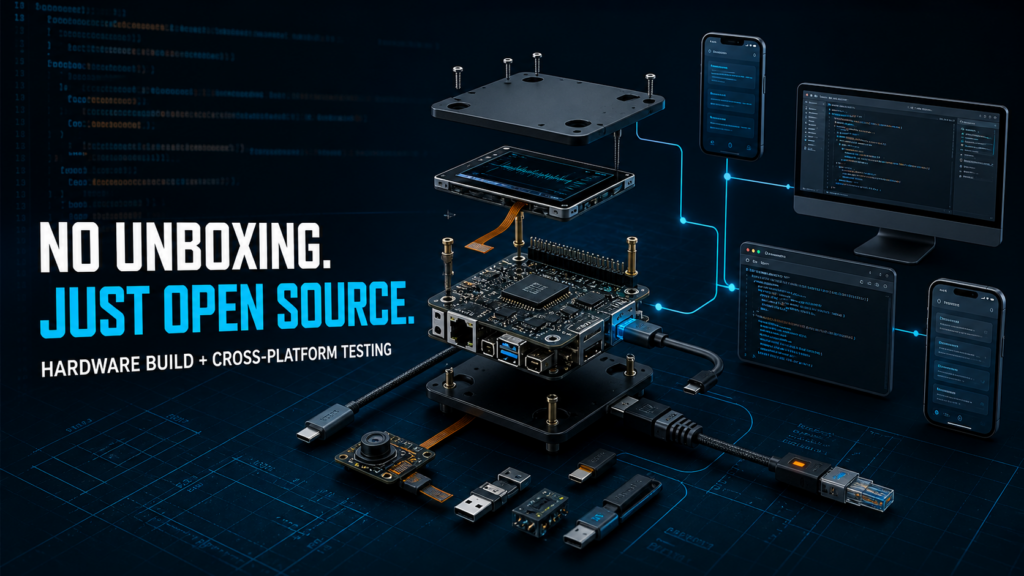
This week, Aiden turned its public repository into a much more practical starting point for builders. The latest updates cover the entire development loop: assembling the board, validating an iOS environment, running speech locally on a PC, debugging from a browser, and making keyboard, text, voice, and screenshot workflows more reliable.
This is not a cosmetic release. It is a coordinated push to make Aiden easier to reproduce, test, develop, and diagnose.
Build Aiden with a real assembly guide
The first major addition is a complete Hardware & Wiring guide for the current Aiden development-board setup.
Instead of forcing builders to reconstruct the prototype from scattered notes, the guide brings the essential hardware information into one place:
- A development-board parts list.
- Step-by-step assembly instructions.
- Wiring diagrams.
- Checks to complete before powering on the board.
That last item matters. Hardware projects often fail for mundane reasons—an incorrect cable orientation, a missed power requirement, or a connection made in the wrong order. A documented pre-power checklist gives contributors a safer and more repeatable path from a pile of components to a working Aiden setup.
The work is available in PR #451.
Test the iOS workflow without depending only on a physical phone
Aiden now has a standardized testing path for an iOS virtual-phone environment.
PR #446 adds a VPhone environment bridge and the `vphone_ios_basic` benchmark suite. The bridge provides:
- Environment health checks.
- Exclusive session control.
- Screenshot capture.
- Device-operation interfaces.
- Startup validation tools.
- A dedicated client and device-interaction tests.
The update also tightens the platform constraints used by `quick_action` and adjusts the container proxy configuration to reduce interference from the host environment.
Together, these changes give Aiden a repeatable iOS evaluation channel beyond ad hoc testing on a single physical device. Developers can validate core interaction behavior in a controlled environment, reproduce failures more easily, and use the same baseline when comparing changes.
Run Aiden’s TTS experience on a PC
Hardware should not be a prerequisite for testing every part of an agent.
With PR #452, Aiden adds a local text-to-speech playback backend for PC and ADB scenarios. A new `audio.playback_backend` setting lets developers choose between:
- The board-side `audio_service`.
- Local playback on the host computer.
In local mode, synthesized speech is written to a temporary WAV file and played through the host system. This makes it possible to test Aiden’s spoken responses while working with a simulator or a PC-based environment, even when the physical audio hardware is unavailable.
It is a small configuration change with a large effect on iteration speed: voice behavior can now be tested much earlier in the development cycle.
Debug the board directly from a browser
PR #453 integrates the WeTTY browser terminal into the Luckfox Buildroot image.
The terminal service is controlled through `ENABLE_WETTY`, and the existing configuration page now includes a Terminal entry. The integration also pins and adjusts dependencies for the project’s Node.js 16 and ARM/uClib target environment.
For developers, this creates a more direct route into a running board. Routine inspection and debugging no longer need to begin with a separate local terminal setup. When the browser configuration interface is reachable, the terminal is close at hand.
Make keyboard input work across more layouts
Physical input automation cannot assume that every keyboard uses the same layout.
PR #450 adds configurable USB HID keyboard layouts for:
- QWERTY.
- AZERTY.
- QWERTZ.
The selected layout is now applied to both keyboard clicks and text entry. This is essential for reliable input outside an English QWERTY environment, where the same HID key position may otherwise produce a different character.
Unify text entry and improve Phone Bridge recovery
Text entry is one of the most failure-prone parts of cross-platform device control, so Aiden has consolidated it behind a single public tool.
PR #458 replaces multiple exposed input paths with `enter_text`. The new flow:
- Prefers Phone Bridge when it is available.
- Keeps local HID and IME paths as isolated fallbacks.
- Adds input-method detection and candidate-word controls.
- Returns more focused results.
- Records more useful timing metrics.
The goal is not merely to rename an API. A unified entry point makes behavior easier to reason about and gives the runtime one place to manage platform-specific decisions.
A follow-up fix in PR #462 improves iOS clipboard-based input when the Bridge App has moved into the background. It reuses Phone Bridge’s foreground-restoration capability and removes unnecessary keyboard-search behavior during recovery.
The result is a more stable path back to the target app after a temporary context switch.
Make streaming speech output more tolerant
Aiden’s speech parser now supports both XML-style and bracketed TTS tags:
- `…`
- `[tts]…[/tts]`
PR #459 also handles mixed opening and closing styles, capitalization differences, and cases where a tag or UTF-8 text is split across streaming response chunks.
The parsing and streaming logic has been moved into an internal `speech` package and connected across audio conversations, the runtime, server output, and real-time activity streams.
This is the kind of robustness work that is easy to miss in a demo but immediately visible in production: speech output should not break simply because a model streamed a multibyte character or closing tag in a separate chunk.
Inspect screenshots without leaving the file browser
The Agent file browser can now preview common image formats directly in its details drawer.
With PR #466, `screenshot_ref` values in events and logs also become clickable links that open the associated screenshot in the side panel.
That shortens a common debugging loop. Developers can move from an event or log entry to the exact screen state the agent observed without manually locating and opening the image in another tool.
What this release changes for Aiden developers
The week’s updates form one connected developer experience:
| Stage | What is now easier |
|---|---|
| Reproduce | Follow a public parts, assembly, wiring, and pre-power guide |
| Test | Run a standardized iOS VPhone bridge and benchmark |
| Develop | Use local PC TTS and a browser-based terminal |
| Localize | Select QWERTY, AZERTY, or QWERTZ USB HID layouts |
| Interact | Use one `enter_text` path with clearer platform fallbacks |
| Diagnose | Inspect timing data, restore Phone Bridge, and preview screenshots |
| Speak | Parse TTS tags reliably across streamed output |
Aiden is still a developer-oriented project, and real hardware and platform combinations still need validation. But the public path is now much clearer: builders can assemble the board from documented hardware information, test important behavior in controlled environments, and diagnose failures with tools that live alongside the runtime.
Explore the Aiden firmware repository, start with the Hardware & Wiring guide, and use the linked pull requests to inspect every implementation detail.
Related posts
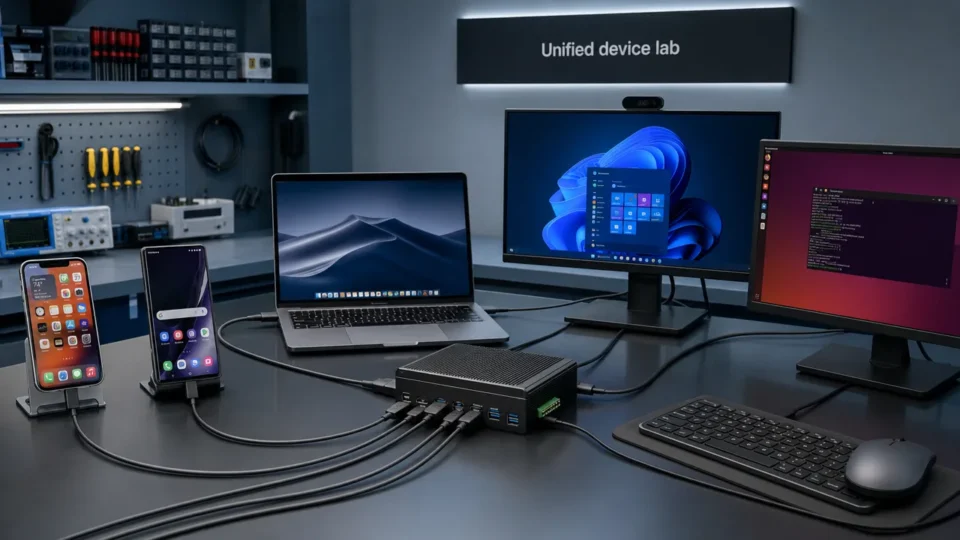
Unified Device Control Across iPhone, Android, and Desktop
Control iPhone, Android, macOS, Windows, and Linux with Aiden’s cross-platform device control. Explore the new firmware update today.
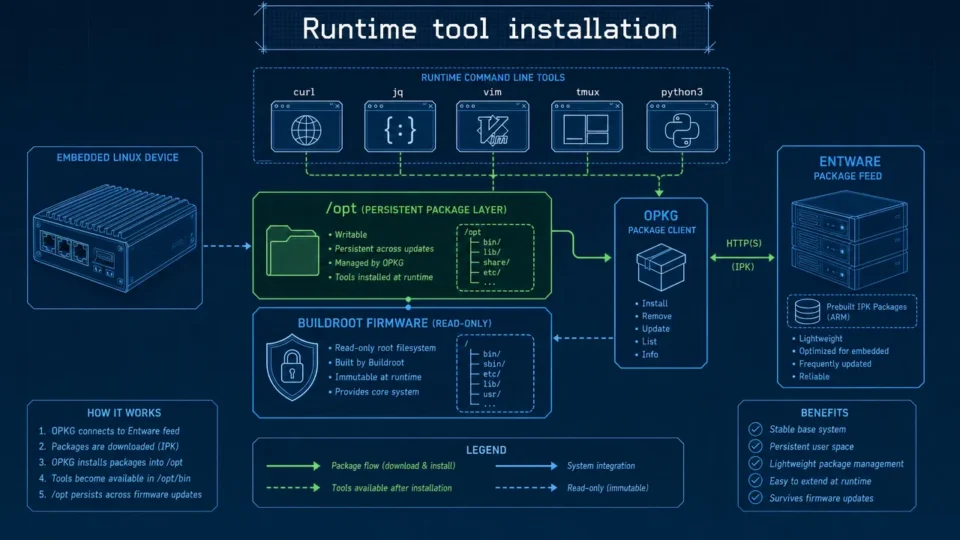
Embedded Package Management Without Rebuilding Firmware
Embedded package management in Aiden Firmware uses OPKG and Entware to install approved tools at runtime while keeping Buildroot stable.
On-Device AI Briefing — 2026-08-17
On-device AI briefing: Apple-Alibaba China partnership, WhatsApp scam detection, Samsung health monitoring & agentic AI platforms.