Aiden Adds a Cross-Platform Desktop Environment Bridge
Aiden Adds a Cross-Platform Desktop Environment Bridge
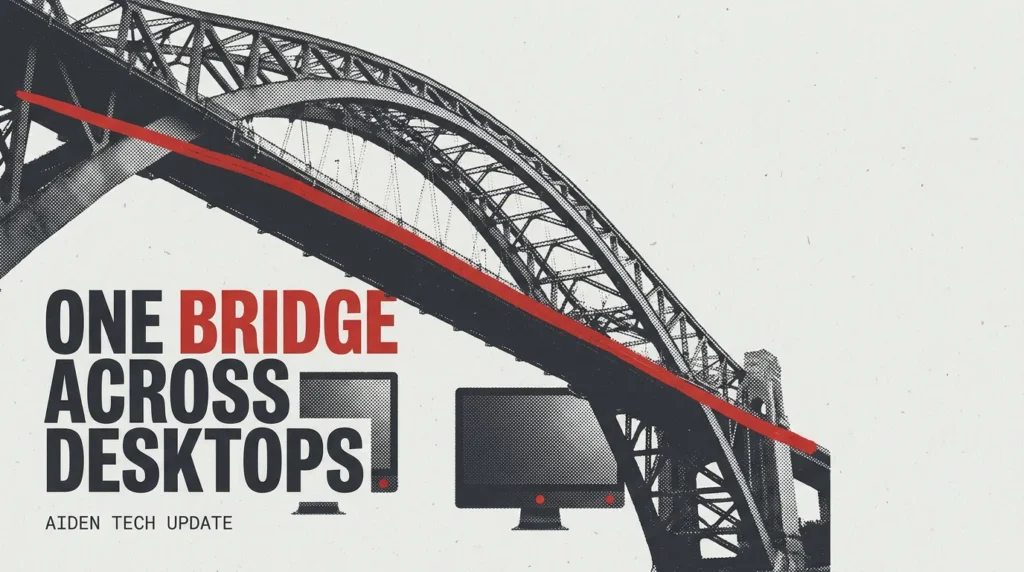
Major Update: We merged PR #593, PR #615, and PR #611 to add a cross-platform desktop environment bridge for macOS, Linux, and Windows and complete the device health endpoint required by the shared protocol. These changes give Aiden benchmark and Agent workflows a common way to interact with supported desktop hosts while identifying environment state during preparation.
The problem we fixed
Before this work, benchmark and Agent workflows needed platform-specific environment handling. That meant a workflow preparing a desktop host could not consistently rely on the same environment interface across macOS, Linux, and Windows.
The device environment also had a distinct preparation failure: it could fail when its health endpoint was missing. The runner needs to identify the environment it is preparing before benchmark execution starts. Without a shared health signal, it could not establish the expected device context.
The merged implementation addresses both gaps. Desktop bridges now follow a shared environment protocol, and the device Agent now provides the health route the runner needs during preparation.
What changes in Aiden
The bridges cover macOS, Linux, and Windows. Through the shared protocol, they expose screenshots, mouse input, keyboard input, scrolling, dragging, and text entry. They also expose an HTTP health check, so the runner can inspect environment readiness before attempting a benchmark workflow.
This establishes a common desktop automation API at the protocol layer rather than requiring separate platform-specific handling at the start of each workflow. We also added protocol, routing, and platform tests to cover the new implementation and platform behavior.
On the device side, the Agent now adds GET /health. During preparation, the runner can use this endpoint to identify the device environment instead of treating a missing route as an unresolved condition. Before a run, a benchmark can check the platform, device type, and concurrency state. That gives the runner a clearer basis for determining whether the requested environment matches the benchmark’s requirements.
On macOS, the bridge now discovers system_profiler instead of relying on a fixed executable path. A fixed-path assumption can fail when the tool is present but not where the bridge expects it. Discovery makes host inspection more appropriate for differing macOS installations, while validation remains necessary on the host where you run it.
What you can do now
You can start the bridge on a supported desktop host, use the shared HTTP interface for screenshots and input actions, and check environment state before a benchmark run.
In practice, an Agent or benchmark workflow can request a current screenshot, send mouse or keyboard actions, scroll, drag, enter text, and query health through the same protocol shape on the supported desktop platforms. For cross-platform agent testing, the key improvement is a shared interaction boundary for core desktop actions and a preparation path that evaluates platform, device type, and concurrency state before execution.
The desktop environment bridge makes environment capabilities explicit so workflows can reason about what a host provides. Visual state comes through screenshots, input is expressed through defined actions, and readiness is available through health checks.
The current boundary
These changes are merged into Aiden’s open-source firmware repository. They are not a claim of deployment to every device or production environment.
macOS, Linux, and Windows support refers to the bridge implementations included in this work. It does not mean identical behavior or complete compatibility across every operating system version, desktop configuration, or host setup. Operating-system permissions and input backends still require validation on each host, and local configuration differences can affect screenshots and input actions.
You should validate the bridge and its health response in the environment where you plan to run a benchmark or Agent workflow. Inspect the linked PR #593, PR #615, and PR #611, and follow Aiden’s continued open-source development.
Related posts
Aiden Builds Persistent Memory for Tasks and Notifications
AI agent task memory uses verified history and notification recall to reduce context loss across long-running work with lifecycle rules.
Aiden Unifies Touch Gestures and Adds Visual Action Checks
Aiden firmware unifies touch gestures for AI agents, adding drag inspection points and screenshot-based visual action verification.
Aiden Adds a Unified Firmware Build CLI and On-Device Smoke Tests
Aiden firmware build CLI unifies builds, parallel CI checks, and board-local smoke tests for structured validation and diagnosis.