One-Click Provider Switching in Aiden Firmware
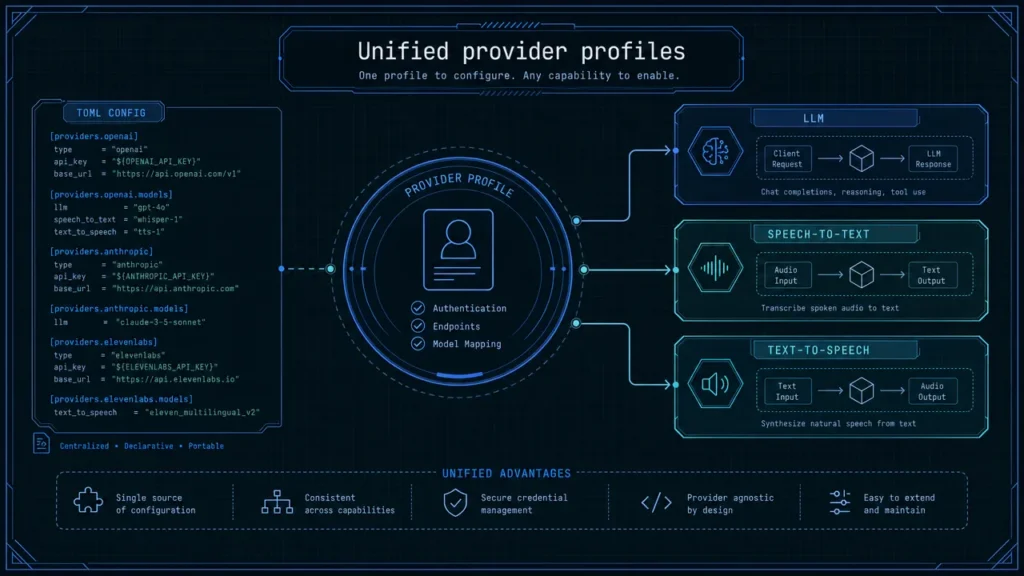
Major Update: Aiden Firmware merged PR #484 this week, adding a centralized workflow for AI model provider management across LLM, speech-to-text, and text-to-speech services.
For you building with Aiden, that means less time revisiting service configuration and more time testing the model and voice stack that fits a specific workflow. Instead of treating provider changes as a series of disconnected edits, the new direction brings provider settings into one managed profile system.
Aiden is built around configurable external services. The on-device agent runtime can connect to the model and voice endpoints you choose, including cloud, local, and custom deployments. That flexibility is powerful, but it also makes configuration discipline important when a project needs to move between model experiments, local services, and different voice experiences.
Removing repeated configuration work
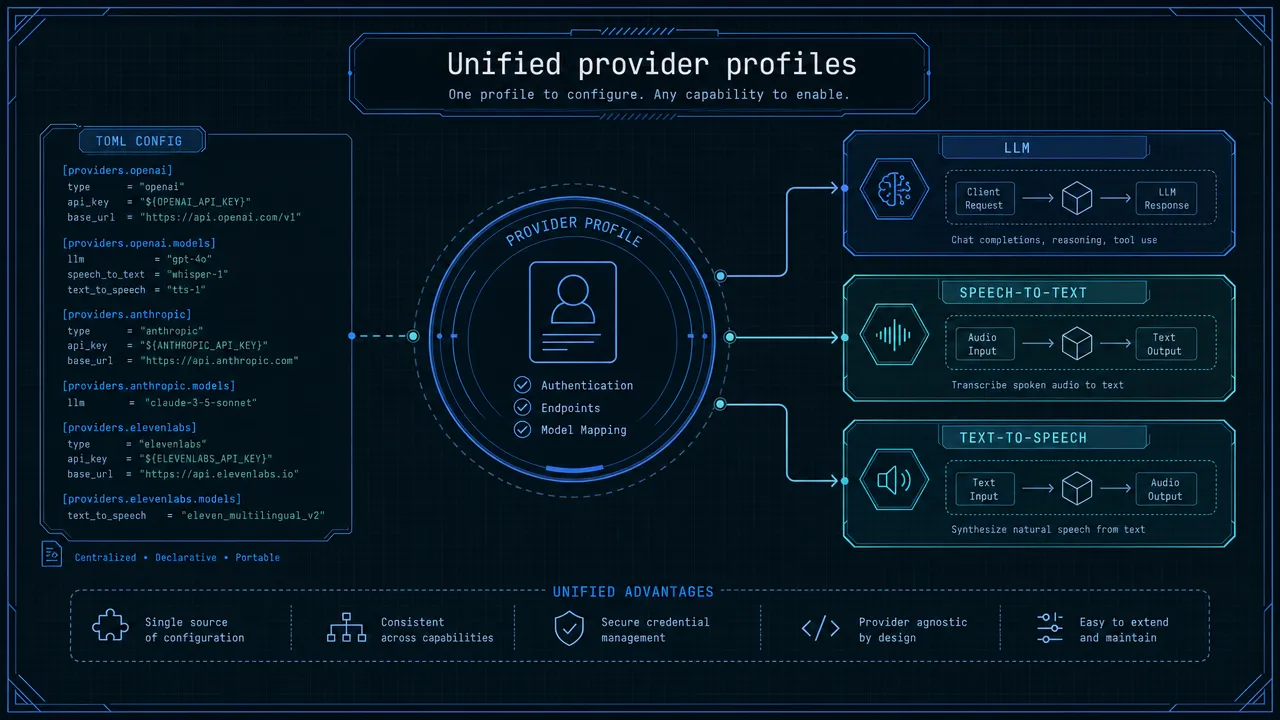
Before this update, changing an AI service could mean revisiting credentials, endpoint URLs, model identifiers, and provider-specific parameters across a development setup. That is friction you should not have to absorb every time they want to compare a hosted model with a local deployment or test a different speech pipeline.
PR #484 focuses on AI model provider management as a shared configuration concern rather than a collection of one-off settings. The intent is simple: save service configurations as named provider profiles, then activate the profile needed for the current test or deployment context.
That matters because Aiden’s operation depends on several connected services:
| Service category | Role in the Aiden workflow | Why a profile matters |
|---|---|---|
| LLM | Interprets the agent context and helps determine the next action | You can compare configured model endpoints without rebuilding the broader setup |
| STT | Converts spoken input into text for voice workflows | Voice recognition can be evaluated alongside a chosen model configuration |
| TTS | Produces spoken output from the agent | You can test voice quality and behavior without losing track of related settings |
Aiden’s Go-based agent runtime uses configured external services, while C++ components support device-side services such as frame capture and audio. TOML remains a practical way to describe configuration, but the important improvement is not the file format. It is having a single provider-management layer that makes configuration intentional, named, and easier to switch.
The result is a cleaner development loop: define a profile once, select it when needed, and keep the values that belong together together.
Connecting LLM, STT, and TTS testing
Aiden’s bring-your-own-provider approach is central to how the project works. You can configure external endpoints rather than relying on an Aiden-hosted backend. That means screenshots, audio, and text are sent to the services you have selected and configured.
With PR #484, the provider-management direction covers the three service categories that shape the agent and voice experience:
- LLM configuration for screen understanding and agent decisions.
- STT configuration for spoken requests.
- TTS configuration for spoken responses.
This is especially useful when you need to evaluate the full interaction chain, not only a single model response. A model choice can affect how the agent reasons about a screen. An STT choice can affect recognition quality in a noisy environment. A TTS choice can change the responsiveness and character of voice feedback. These tests are more meaningful when the related endpoint details are managed as a coherent profile.
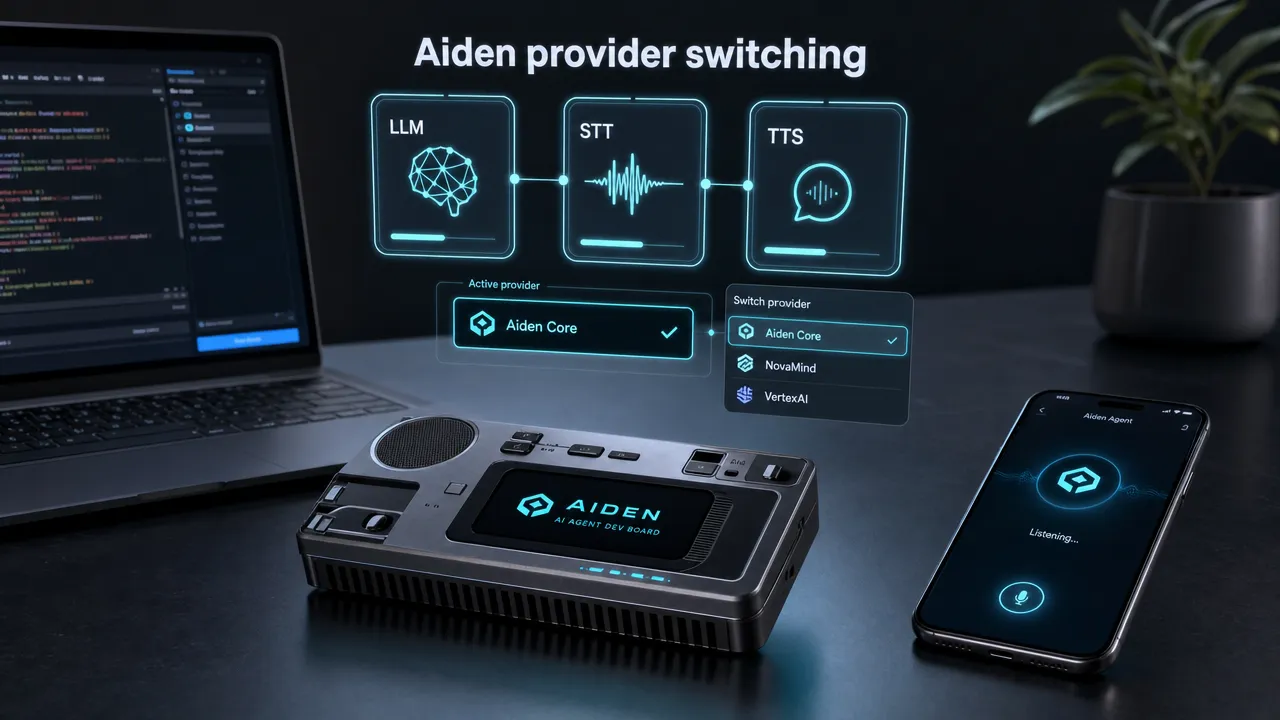
The weekly update also aligns with Aiden’s broader architecture. Aiden captures a target screen through HDMI and controls the connected phone or computer through USB HID input. Its voice flow uses on-device voice activity detection before working with the configured STT, LLM, and TTS endpoints. Provider switching therefore affects a real end-to-end agent workflow, from voice input through reasoning to spoken output and device action.
For teams that run local services, hosted APIs, or custom deployments, centralized AI model provider management creates a clearer boundary between the Aiden runtime and the services chosen for a given test.
Provider profiles in daily development
The value of a profile system is not merely fewer edits. It is a more repeatable way to describe an environment.
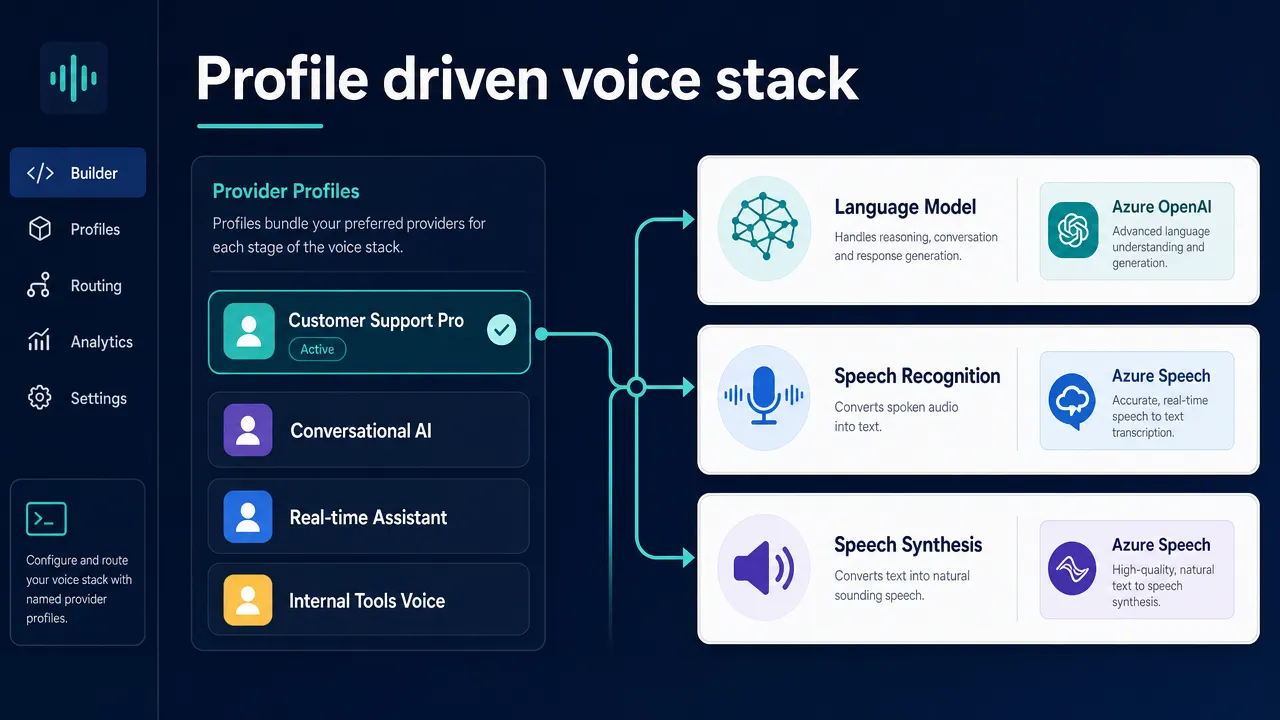
You may want one profile for a rapid cloud-based prototype, another for a local model evaluation, and a third for a voice-focused test. With a managed profile workflow, those environments can be given clear names and activated without manually reassembling configuration details each time.
A conceptual profile layout could look like this. The labels below illustrate the intended organization, not source-faithful TOML syntax or a documented command reference.
| Profile | LLM selection | STT selection | TTS selection | Typical use |
|---|---|---|---|---|
cloud-dev |
Configured cloud multimodal endpoint | Configured cloud speech endpoint | Configured cloud voice endpoint | Fast iteration with remote services |
local-lab |
Local or self-hosted model endpoint | Local speech endpoint | Local voice endpoint | Network-controlled evaluation |
voice-test |
Selected model endpoint | Alternate speech-recognition setup | Alternate speech-synthesis setup | Testing conversational responsiveness |
This structure helps avoid a common development problem: changing one endpoint while accidentally retaining a credential, model parameter, or audio setting from a previous experiment.
It also makes configuration easier for you to discuss in issues, testing notes, and pull-request reviews. Instead of describing a loose collection of values, you can describe the profile used to reproduce a behavior. That is a better starting point for consistent testing across the community.
The same discipline helps you when you work with the current Aiden dev board. Aiden is a physical mobile AI agent device that connects through USB, sees the screen through HDMI capture, and controls the target through USB keyboard, pointer, and touch input. When the agent stack is configurable, provider profiles help isolate what changed when a test result changes.
How this fits Aiden’s open architecture
Provider choice is not an add-on for Aiden. It is part of the project’s open architecture.
Aiden does not operate an Aiden-hosted backend for LLM, STT, or TTS services. You configure the endpoints that meet their needs, whether that means OpenAI, Anthropic, a local model, or a custom deployment for the configured model path. This approach supports self-hosted use cases and lets you retain control over where their data is processed.
Centralizing that flexibility is the practical goal behind this week’s work. The AI model provider management update gives the configuration layer more structure without taking provider choice away from you.
A few important notes for the community:
- Keep credentials out of shared examples and version-controlled files unless the project explicitly documents a safe approach.
- Treat profile names as meaningful test context. A descriptive profile is easier to reproduce than an undocumented collection of overrides.
- Validate each service category independently when changing providers. A working LLM endpoint does not guarantee that STT or TTS settings are ready for the same environment.
- See PR #484 for the exact configuration keys, switching commands, and migration path.
A faster next step for Aiden builders
This week’s update is about protecting development flow. You can spend less time hunting through configuration values and more time comparing the AI services that shape the agent experience.
That includes testing different model endpoints for screen-aware agent behavior, trying alternate STT services for voice input, and evaluating TTS options for spoken responses. Centralized profiles make those changes easier to organize as the stack evolves.
Aiden remains intentionally configurable: the Go agent runtime, C++ device-side services, and external AI endpoints work together without locking you into one provider. PR #484 strengthens that model by giving provider configuration a shared home.
Explore the Aiden Firmware repository, review the implementation, and share testing feedback with the community. For more project updates, visit the Aiden blog and read the recent open-source toolkit update.
Related posts
Human-in-the-Loop AI Agents: Pause, Approve, Redirect and Resume
Interruptible AI agent design uses preemption, task cancellation, and context control to keep physical AI actions redirectable.
Aiden Open-Source Kit: From Setup to AI Agent
Build an AI agent hardware device with Aiden’s open-source firmware, HDMI capture, USB HID controls, and approval gates for safe workflows.
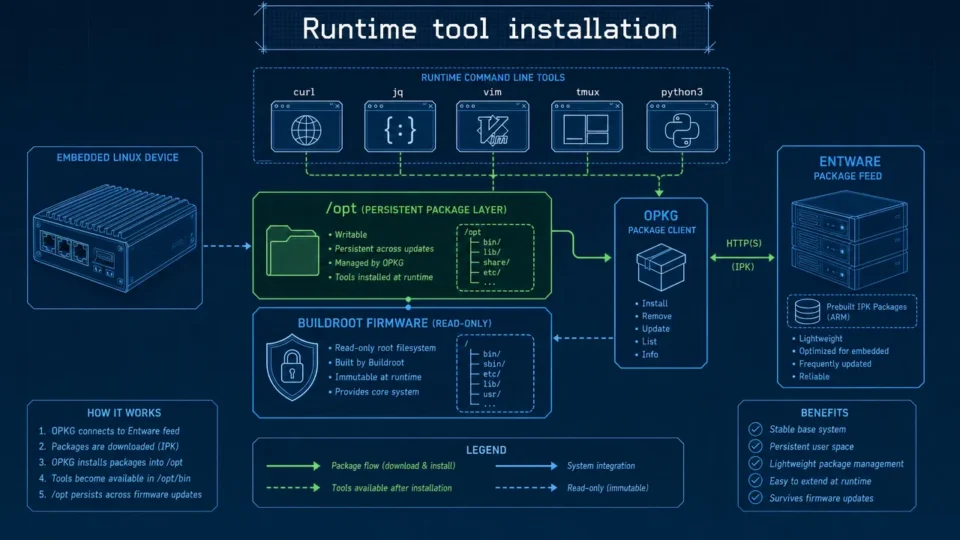
Embedded Package Management Without Rebuilding Firmware
Embedded package management in Aiden Firmware uses OPKG and Entware to install approved tools at runtime while keeping Buildroot stable.