Aiden Adds a Mobile-Friendly Browser Terminal for Device Debugging

Aiden Adds a Mobile-Friendly Browser Terminal for Device Debugging
Major Update: We merged PR #604, replacing Wetty with ttyd 1.7.3 and adding a mobile browser terminal at the standardized /webtty/ path. The merged change brings terminal implementation, routing, and supporting Aiden services into closer alignment, giving you a more consistent browser entry point when you need to debug from a phone-sized screen.
The problem we fixed
Before this update, terminal links, reverse-proxy routing, health checks, and the terminal implementation could require separate configuration. When multiple Aiden components needed to reference the same terminal service, that separation created unnecessary ambiguity around which route each component should use.
The previous setup also made browser access less uniform than intended. A browser-based terminal is most useful when its entry point is predictable, but mismatched route expectations could complicate both access and maintenance.
Mobile access introduced another practical issue. Terminal text sizing and scrollback behavior were less comfortable on phone-sized browsers, making it harder to read output, review command history, and inspect an active system without moving to a larger display. Those details matter when you need to troubleshoot in the moment.
What changes in Aiden
PR #604 replaces Wetty with ttyd 1.7.3 and standardizes the terminal route as /webtty/. Aiden now uses this path consistently across the terminal experience rather than maintaining different route expectations among related services.
Agent Web, Config Web, and Docker reverse-proxy routes now point to /webtty/. Terminal links and health checks use the same standardized path, too. This shared route contract reduces uncertainty between the terminal link you open, the reverse proxy that serves it, and the check that monitors it.
The merged configuration also adjusts terminal font sizing, scrollback behavior, and client limits for mobile browser access. The result is a mobile browser terminal better suited to the constraints of reading and interacting with a command line on a smaller screen.
What you can do now
When your Aiden setup exposes the terminal through its configured browser and reverse-proxy path, you can open it through one consistent /webtty/ route. That means the route used by the browser, proxy, and health check is aligned within the firmware codebase.
For mobile debugging, you can work through the terminal in a browser with settings adjusted for smaller displays. Improved font sizing and scrollback behavior help make output and command history more practical to review from a phone.
Migration compatibility is also included for the previous terminal environment variables. Existing settings associated with the former terminal environment can continue through the migration layer as the firmware moves to ttyd-based configuration.
This update is focused on consistency and mobile access behavior. It does not remove your existing authentication, network reachability, reverse-proxy configuration, or device setup requirements. It also does not claim compatibility with every mobile browser or host environment.
Validation and availability
The merged implementation passed Docker contract, reverse-proxy, and Config Web tests. GitHub Actions also completed the final firmware and Linux builds, providing build validation for the change.
The code is merged into the open-source Aiden firmware repository. This is not a statement that ttyd 1.7.3 or the standardized terminal path has already been deployed to every Aiden device or product. Availability depends on the firmware version and deployment path you use.
Inspect PR #604 for the implementation details, and follow Aiden’s continued open-source development.
Related posts
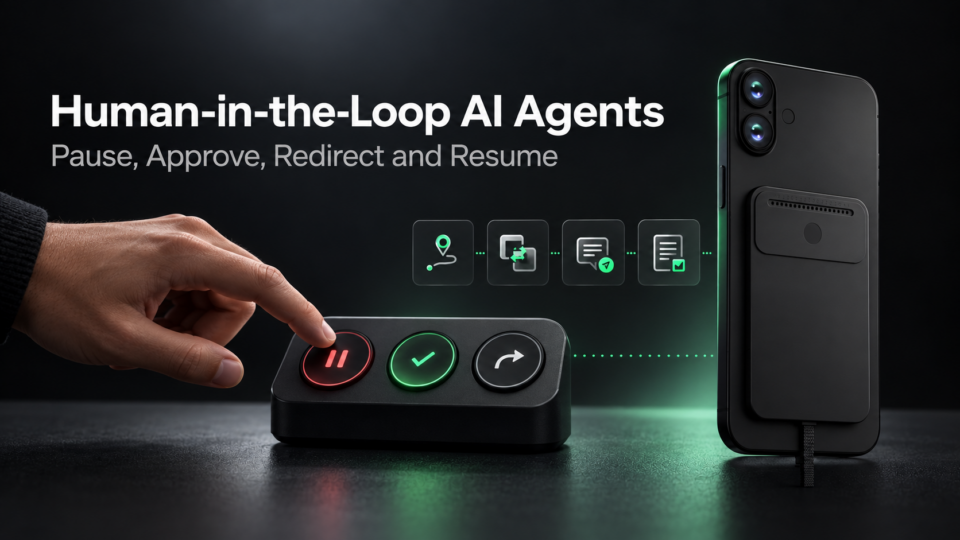
Human-in-the-Loop AI Agents: Pause, Approve, Redirect and Resume
Interruptible AI agent design uses preemption, task cancellation, and context control to keep physical AI actions redirectable.
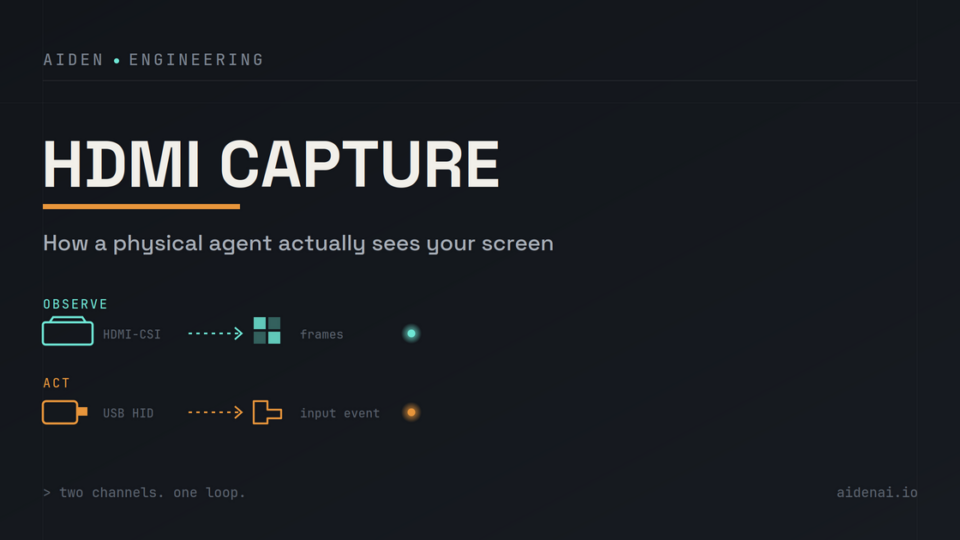
HDMI Capture for AI Agents: Out-of-Band Vision, Latency and Trade-Offs
HDMI capture for physical AI agents: observe rendered screens, send separate USB HID input, and verify UI changes after actions.
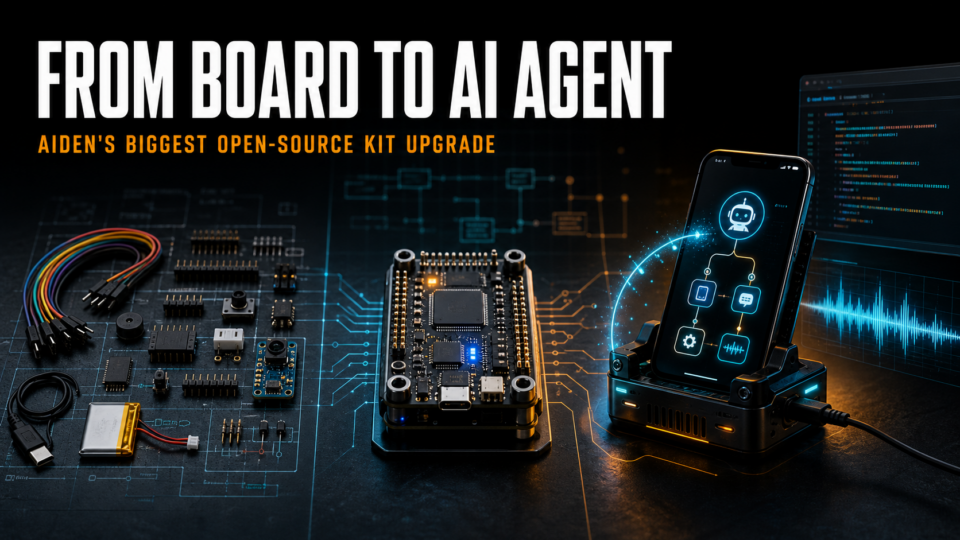
Aiden Open-Source Kit: From Setup to AI Agent
Build an AI agent hardware device with Aiden’s open-source firmware, HDMI capture, USB HID controls, and approval gates for safe workflows.