HDMI Capture for AI Agents: Out-of-Band Vision, Latency and Trade-Offs
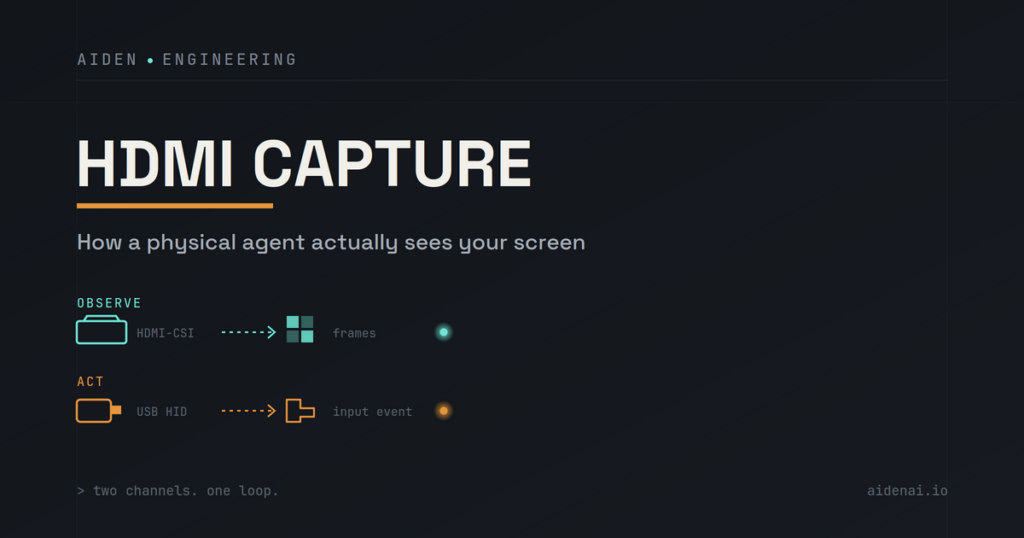
HDMI capture can give a physical AI agent an external view of the same rendered interface a person sees. The source device outputs video, capture hardware converts that signal into frames, and an agent runtime can pass selected screenshots to a vision-capable model. This observation path can work without an app-specific API, but it does not provide semantic UI data or control the device by itself.
For Aiden’s current development-board implementation, the distinction is deliberate: HDMI capture supplies visual evidence, while a separate input path performs authorized actions. The agent can observe the screen, decide what to do, act through the configured control method and then capture another frame to check the result.
Why an AI Agent Needs a View of the Screen
An agent cannot reliably operate a visual interface from a task description alone. It needs evidence about the device’s current state: which app is open, whether a dialog appeared, where a control is located and whether the previous action changed the interface.
Screen observation can help the agent:
- identify visible text, icons and controls;
- distinguish a loading state from a completed step;
- detect pop-ups, permission prompts and error messages;
- ground an action in the current screen rather than an assumed state;
- compare the screen before and after an action;
- stop or ask for help when the visible result is ambiguous.
A frame is still only visual evidence. It does not automatically reveal the interface hierarchy, the purpose of every element, the user’s intent or the consequences of selecting a control. OCR, visual grounding and task context can improve interpretation, but they do not make perception infallible.
This is why a useful device-agent loop is not simply “take a screenshot and tap.” It is observe → interpret → act → re-observe → verify. The observation path provides the evidence needed at the first and last steps.
What Out-of-Band Screen Capture Means
Out-of-band screen capture observes the rendered display through a path outside the target application’s own API or automation layer. With HDMI capture, the source device sends display output to an external capture bridge. The agent system receives pixels from that display signal rather than asking the app for structured data.
This boundary has two important consequences.
First, the capture path can remain relatively independent of individual apps. If the device renders a compatible output, the observer may see transitions across apps, system UI and dialogs without requiring each application to expose an integration.
Second, the result is pixels rather than semantic UI structure. HDMI capture does not inherently provide labels, roles, object identifiers, document structure or supported actions. A button and a decorative rectangle may look similar until the agent interprets the surrounding context.
Out-of-band should therefore mean separate from the app integration layer, not invisible, unlimited or permission-free. The source device, adapters and capture hardware must still support the connection, and platform or content-protection rules can constrain what appears in the captured output.
How HDMI Capture Fits Into a Device Agent
The observation path can be summarized as:
device display output → HDMI capture bridge → video device/frame service → screenshot tool → agent runtime and multimodal model
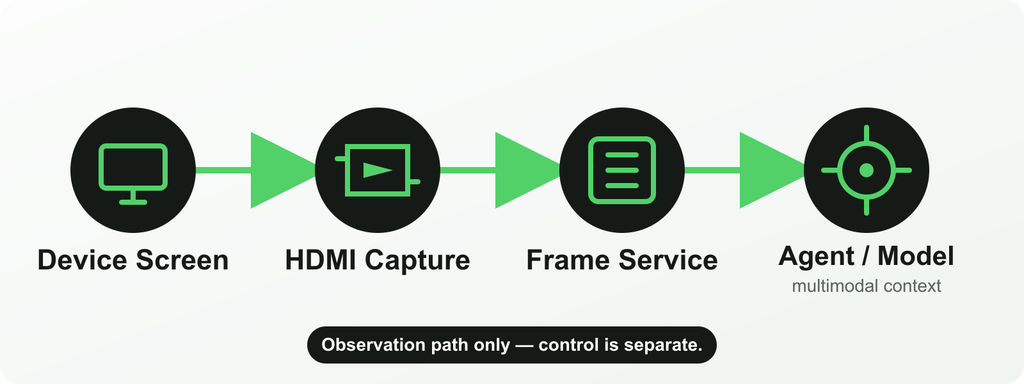
The stages have distinct responsibilities:
- The target device renders its interface. The source must expose compatible display output through its port, adapter or hub.
- The capture bridge receives the HDMI signal. It negotiates the display mode and converts the video into a form the board can ingest.
- The frame service owns the capture device. It manages the video path and makes current frames or screenshots available to other processes.
- The agent requests visual context. A screenshot is prepared and passed to a configured model that supports image input.
- A separate input path acts on the target. HDMI does not send taps, keys or pointer events. Those belong to control methods such as USB HID or ADB.
Keeping these stages separate makes failures easier to reason about. A blank frame is an observation-path problem. A correctly interpreted screen followed by an ineffective tap is more likely to involve grounding or the control path.
Benefits
External observation
The capture system can observe a rendered screen without running inside the target app. This can be useful for physical AI agents, hardware test systems and device workflows where the target environment should remain separate from the observer.
Reduced dependency on app APIs
HDMI capture does not require every visible app to publish an API for screen observation. That can help when a workflow crosses closed or legacy interfaces. It does not eliminate the need for authorization or safe task boundaries, and an API remains preferable when structured, reliable data is available.
Real-device state
The frame can reflect what the connected device is actually rendering, including system UI, app transitions, visible notifications and errors. This is valuable when an emulator or synthetic test state would not represent the real hardware and configuration.
App-independent visibility
Because the observation path follows the display output, it may continue across apps and system surfaces that do not share one automation interface. Compatibility still depends on the device’s output path and any protections applied to the content.
Separation between seeing and acting
A distinct observation path makes it possible to verify an action through a newly captured frame rather than assuming success from the command alone. It also makes clear that visual access is not itself permission to act.
Trade-Offs
HDMI capture adds physical and computational stages between the target screen and the agent’s next decision. Those stages introduce constraints that an internal screenshot or semantic API may avoid.
| Design consideration | What HDMI capture can provide | Trade-off or boundary |
|---|---|---|
| Device output support | A view of the rendered interface | The target must support compatible video output; not every phone, adapter or mode does |
| Adapters and hubs | A practical path from USB-C or another output to HDMI capture | Cabling, power, USB roles and display negotiation add failure points |
| Latency | Frames suitable for observation and verification | Capture, buffering, encoding, transfer and model inference all add delay; capture FPS alone is not end-to-end latency |
| Frame rate | Configurable sampling or repeated observation | Higher sampling increases work and does not guarantee faster agent decisions |
| Image quality | Pixel-level evidence from the rendered display | Scaling, compression, motion, small text, rotation and black borders can reduce interpretability |
| Semantic information | Visual access to whatever is rendered | Pixels do not include an accessibility tree, DOM, object IDs or action semantics |
| Protected content | Normal unprotected display output where the chain permits it | HDCP, application policy or platform protections may block, redact or blank captured content |
| Setup complexity | External observation without app-specific capture code | Hardware selection, EDID, display modes, device-specific adapters and recovery behavior require engineering |
| Reliability | A repeatable observation path in a controlled setup | Cable changes, sleep, hot-plug events and signal loss can interrupt the chain |
| Privacy | A clearly defined external screen-observation boundary | The screen may contain sensitive information; collection, retention and model transmission need deliberate controls |
The relevant performance question is the latency of the whole loop—not just the capture bridge. An agent may wait for the interface to settle, request a frame, preprocess the image, send it to a model, receive a decision and then verify the result. A high nominal frame rate does not remove those other delays.
How Aiden’s Current Reference Setup Works
Aiden’s public implementation is a development-board and firmware reference system, not a confirmed finished retail product. The current firmware repository documents a connected device whose display output is captured through an HDMI-to-CSI path using an RK628D or TC358743 bridge.
In the current architecture:
- the bridge exposes captured video through
/dev/video0; - the long-running
frame_serviceowns that video device so multiple consumers do not compete for it; - the service handles capture initialization, frame availability, health and recovery behavior;
- the Go Agent’s screenshot tool accesses the service through a Unix domain socket;
- the requested screenshot becomes image input for a user-configured model provider that supports vision;
- device control remains separate from the HDMI observation path.
The Aiden architecture documentation describes a request for one current frame moving from the agent to frame_service and then to the model as image input. Aiden’s newer request-driven capture update adds capture-state reuse, optional persistent streaming for related screenshot sequences, black-border cropping and additional frame-preparation controls.
That does not mean the entire inference stack runs locally. The runtime is on the board, but the location and behavior of model inference depend on the model provider the user configures. A text-only model cannot interpret the captured image.
The detailed frame-service documentation also exposes bridge-aware EDID handling, configurable capture parameters and recovery mechanisms. Those implementation details are useful for developers, but they should not be converted into a claim of universal device compatibility, fixed end-to-end latency or guaranteed image quality.
HDMI Capture vs Accessibility / Screenshot APIs
External capture is not automatically better than an internal screen-observation method. Each approach exposes different evidence and requires a different trust relationship.
| Observation method | Main advantage | Main limitation |
|---|---|---|
| HDMI capture | App-independent view of compatible rendered output through an external path | Requires video output and hardware; provides pixels rather than semantic structure |
| OS screenshot or screen-capture API | Direct digital frames with platform-managed permissions | Requires an integration on the target and may be limited, revoked or blocked |
| Accessibility API | Structured labels, roles, bounds and supported actions where properly exposed | Depends on permissions, platform policy and each app’s accessibility implementation |
Accessibility can be better when the agent needs structured control names and states. A screenshot API can be simpler when the target platform provides an authorized capture route. HDMI is strongest when the system specifically needs an external view of a compatible real device without depending on each app’s integration.
These methods can also complement one another in controlled systems. The correct choice depends on the task’s evidence requirements, deployment environment and permission model—not on a claim that one observation method always wins.
When HDMI Capture Is Not the Right Choice
HDMI capture is usually the wrong default when:
- the target device cannot provide stable, compatible video output;
- the workflow needs structured data that an authorized API already exposes;
- accessibility metadata provides a more reliable representation of the interface;
- the system must operate without adapters, hubs or additional hardware;
- very low latency or high-throughput structured operations are essential;
- the task depends on protected content that the external chain cannot capture;
- the environment cannot safely govern screenshots containing sensitive information;
- a browser, emulator or managed test framework already supplies the necessary observation and control;
- the team cannot validate device-specific display modes, recovery behavior and image quality.
An external observation path earns its complexity when the workflow genuinely needs to see a compatible real device outside the app layer. It should not be added simply because HDMI capture sounds more independent.
FAQ
What does HDMI capture provide to an AI agent?
It provides frames of the rendered display that a vision-capable model can inspect. Those frames can help the agent understand the visible state and verify changes after an action.
Can HDMI capture control a phone?
No. HDMI is the observation path. The system needs a separate authorized input route, such as USB HID, ADB, an accessibility action or an application API, to act on the device.
Is HDMI capture the same as taking a screenshot through the operating system?
No. HDMI capture receives external display output through capture hardware. An OS screenshot API runs inside the target platform’s permission and capture framework.
Does HDMI capture provide UI labels and element IDs?
Not by itself. It provides pixels. Semantic information such as roles, labels, bounds and supported actions comes from APIs such as accessibility services when those are available and authorized.
Does Aiden continuously send every frame to a model?
Aiden’s current documentation describes request-driven screenshots for the agent. Capture state can be reused for related sequences, but that is different from claiming that every captured frame is continuously sent to a model.
Can Aiden capture every phone screen?
That should not be assumed. The target needs compatible display output and the required adapter or hub path. Device modes, protected content and capture-chain compatibility can all limit what is available.
A Separate Observation Path, Used Deliberately
HDMI capture is valuable because it gives a physical AI agent independent visual evidence from a compatible real device. Its value comes with clear boundaries: it adds hardware, it delivers pixels rather than semantics, it does not provide control, and it cannot guarantee access to every screen.
In Aiden’s current reference system, the observation path is one part of a larger loop. The device renders a screen, the capture service supplies a requested frame, the runtime asks a multimodal model to interpret it, a separate control path performs an authorized action, and a later frame helps verify what changed. That separation is what makes HDMI capture useful—and what prevents it from being mistaken for a complete automation architecture.
Related posts
Human-in-the-Loop AI Agents: Pause, Approve, Redirect and Resume
Interruptible AI agent design uses preemption, task cancellation, and context control to keep physical AI actions redirectable.
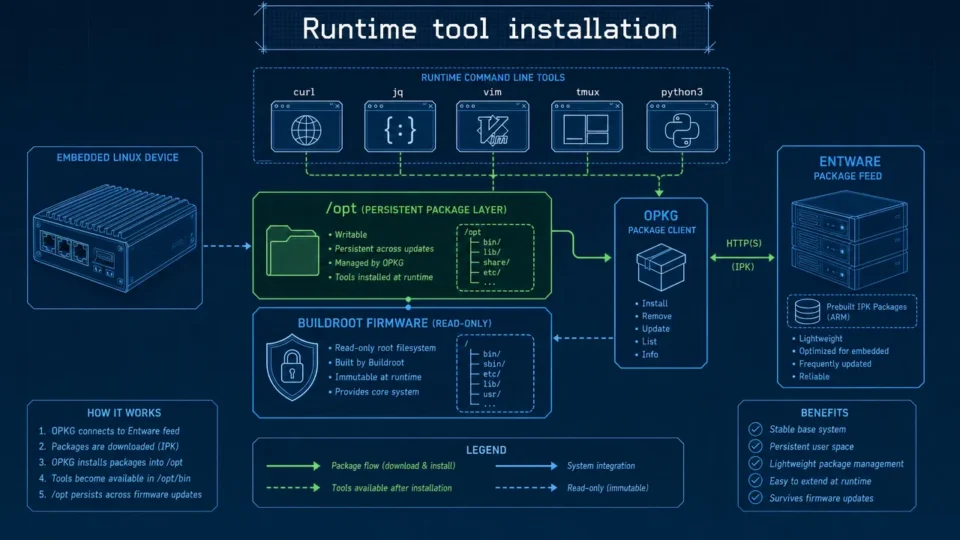
Embedded Package Management Without Rebuilding Firmware
Embedded package management in Aiden Firmware uses OPKG and Entware to install approved tools at runtime while keeping Buildroot stable.
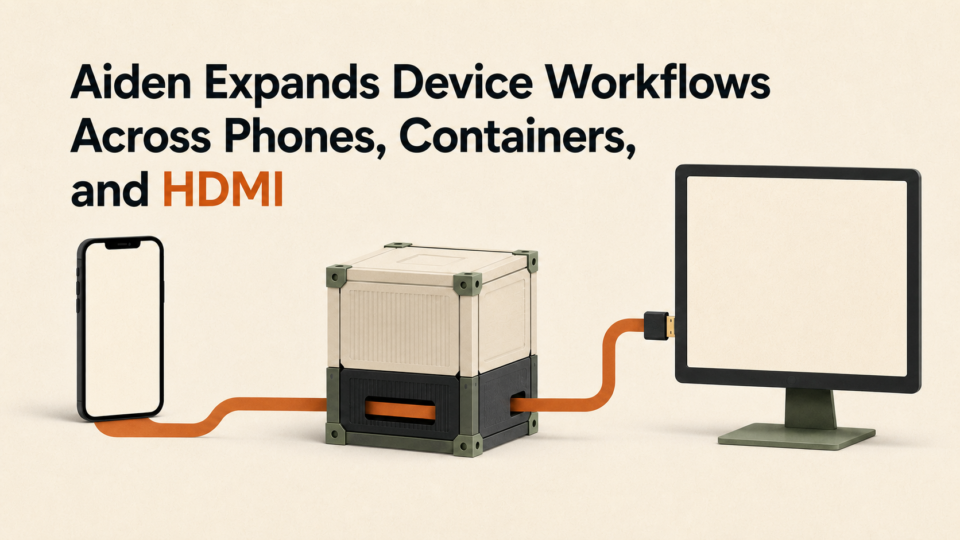
Aiden Expands Device Workflows Across Phones, Containers, and HDMI
Aiden device workflows connect iOS notifications, Docker services, and dual HDMI capture through defined transport and hardware boundaries.