Aiden Can Now Install AI Agent Skills Directly from a URL

Aiden Can Now Install AI Agent Skills Directly from a URL
Major Update: We merged PR #586, giving Aiden a dedicated way to install supported AI agent skills from remote URLs. You can provide a supported HTTP(S), GitHub tree, or GitHub blob Skill URL, and Aiden routes the request to skill_manage install. The new flow stages the files, validates them, and publishes the Skill only after those checks succeed.
The problem we fixed
Before this update, a remote Skill URL could be interpreted as a general content-retrieval request instead of an installation request. The Agent might first use a web scraper, call shell or curl, create files manually, and then patch them into place. That was an indirect path for an action with a clear intent: install the Skill represented by the URL.
The extra steps also made it harder to understand where the installation stood. Content could be retrieved before the Agent had established whether the expected Skill files and structure were supported. A failed step could leave you inspecting multiple tool calls to determine what had been downloaded, written, or changed.
The reviewed real-Agent reproduction for PR #586 tested this with a natural-language prompt containing a GitHub Skill URL. After the routing change, the full trace used one skill_manage install call. It did not use the web scraper, shell, curl, or the manual create and patch actions.
What changes in Aiden
The new install action gives remote Skill installation its own controlled path. Aiden downloads SKILL.md and supported companion files into a staging area first. The staged content is validated before it becomes an active Skill. If validation succeeds, Aiden publishes the completed Skill atomically instead of exposing files one at a time while the installation is still in progress.
This separation between staging and publication makes the result easier to reason about. Retrieval prepares a candidate Skill; validation checks that candidate against the supported requirements; publication happens only after the candidate is accepted.
The action also returns concise metadata about the installation, file writes, changes, and integrity result. When a patch expects content that no longer matches the current file state, the updated feedback provides more useful mismatch details. You get a clearer record of what the dedicated action attempted and what it changed.
What you can do now
If you maintain a Skill at a supported HTTP(S) location or in a GitHub tree or blob, you can give its URL to Aiden in a natural-language request. You no longer need to guide the Agent through content fetching and manual file assembly for this workflow. The dedicated action handles staging, validation, and publication in sequence.
This is useful when you are testing a Skill revision, sharing a supported Skill location with another Aiden environment, or reproducing an extension setup from a known URL. The workflow reduces the number of unrelated tools involved and gives you installation metadata from one purpose-built action.
The current boundary
This update is merged into the open-source Aiden firmware repository. It does not mean the change is already deployed to all Aiden devices, products, or environments.
Direct installation is limited to supported URL formats and supported files that pass validation. Aiden does not treat arbitrary websites, repositories, or software packages as installable through this path. Validation also does not replace your responsibility to review third-party Skill content before using it in your environment.
You can inspect the implementation and reviewed behavior in PR #586 and follow Aiden’s continued open-source development.
Related posts
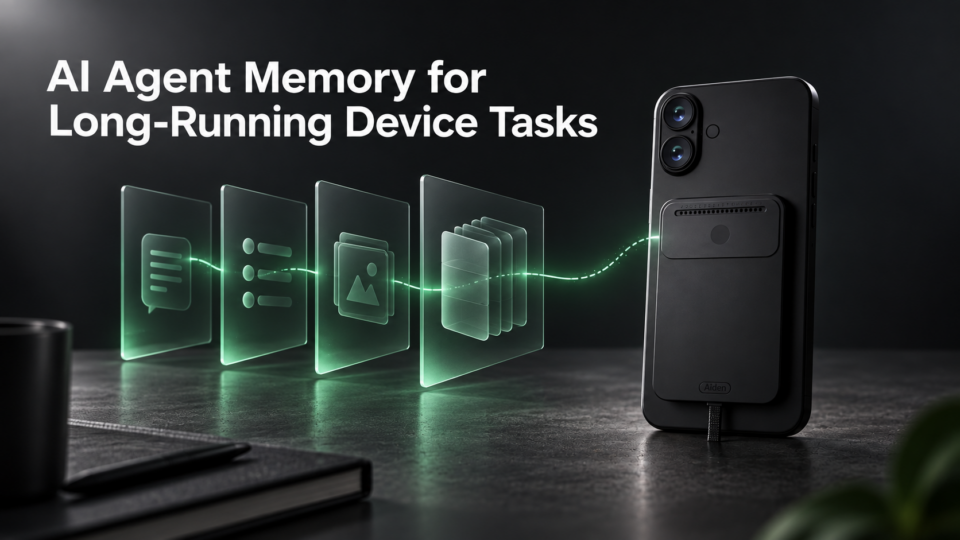
AI Agent Memory for Long-Running Device Tasks
Improve AI agent long task reliability with persistent memory for oversized tool outputs. Explore Aiden Firmware’s update now.
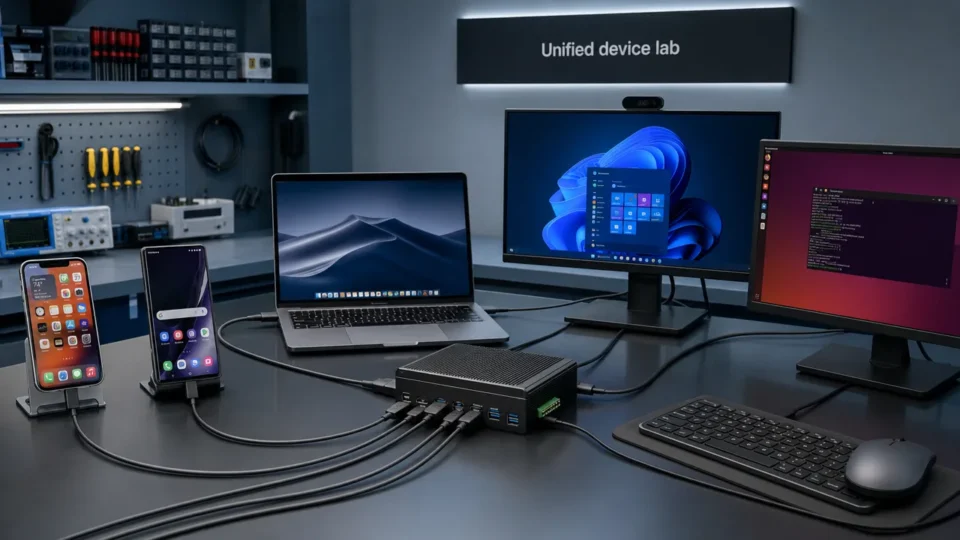
Unified Device Control Across iPhone, Android, and Desktop
Control iPhone, Android, macOS, Windows, and Linux with Aiden’s cross-platform device control. Explore the new firmware update today.
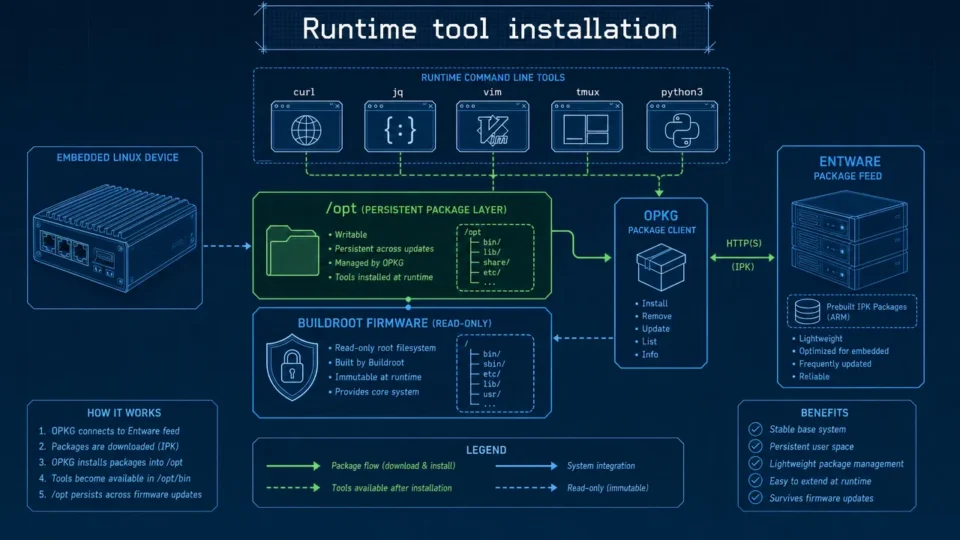
Embedded Package Management Without Rebuilding Firmware
Embedded package management in Aiden Firmware uses OPKG and Entware to install approved tools at runtime while keeping Buildroot stable.