Browser Agents Can Use the Web. Aiden Is Built to Use the Device.
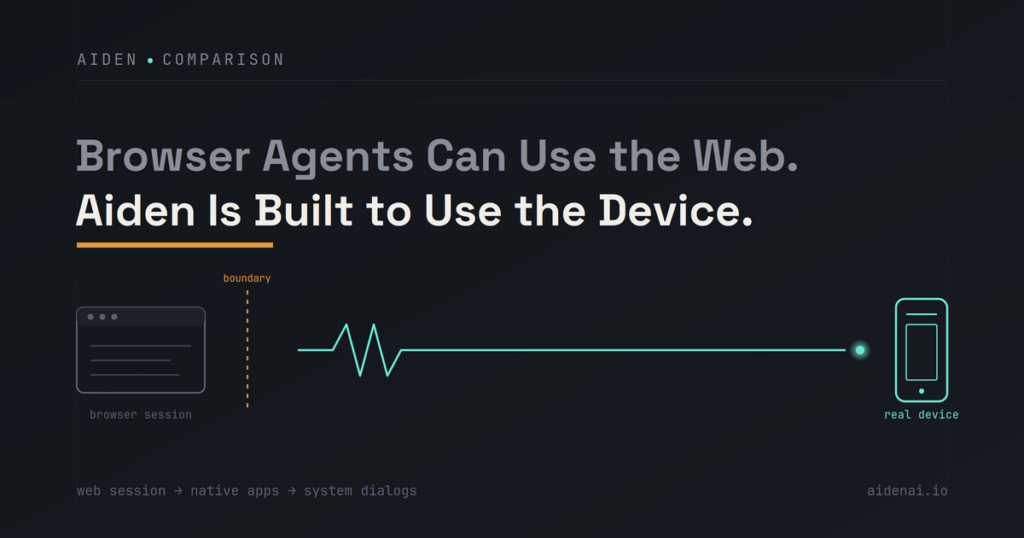
Perplexity Comet is capable inside a browser session, while Aiden is being built as a device automation agent for human-directed work that can move across visible phone and computer interfaces.
Comet deserves the comparison. Perplexity positions it as an AI-first browser and personal assistant, with availability across Mac, Windows, iPhone, iPad, and Android, plus a usable free-access tier according to its current announcements. For research, page-level questions, tab-heavy synthesis, and supported web actions, that browser-native model is a real advantage.
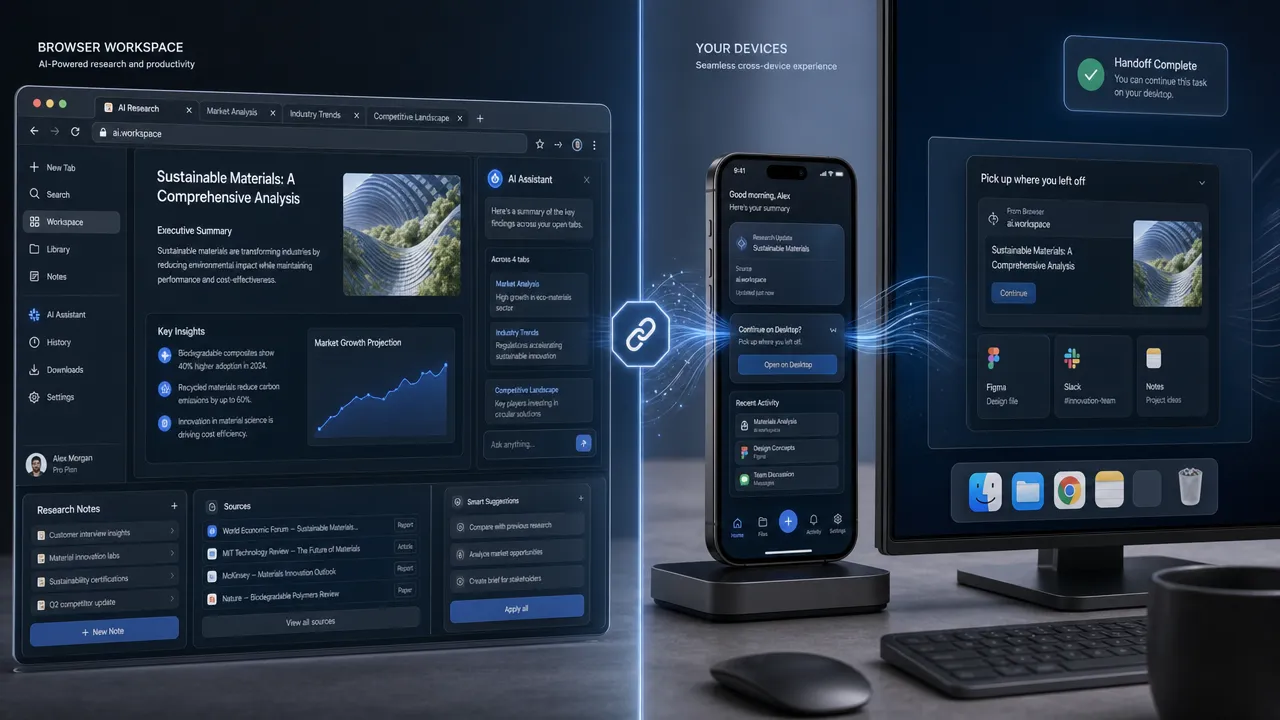
The distinction is not that browser agents are less useful. It is that every agent works through a control surface. Comet’s primary surface is the browser session: tabs, webpages, browser-accessible documents, and web applications. Aiden’s intended surface is the connected device itself: the visible interface of a smartphone or computer, where a workflow may continue beyond the browser.
Why a device automation agent starts where Comet’s browser session ends
A browser is a remarkably complete workspace. Over decades of software development, it has become a place for research, documents, communication, dashboards, and complex web applications. Comet builds on that reality.
Within a browser session, Comet can help users:
- Research and summarize browser-accessible sources.
- Answer questions about the page in view.
- Compare context across multiple tabs.
- Navigate supported web workflows.
- Assist with multi-step work that stays inside browser-accessible surfaces.
That makes Comet a strong option for people whose work begins and ends on the web. A browser agent alternative should not be evaluated by whether it can replace that experience. The better question is whether the next workflow step remains inside the browser.
Consider a researcher who compares sources in several tabs, then needs to capture findings in a native notes application. Or a developer who starts with a web issue tracker, then opens a local desktop application to reproduce a UI problem. The browser phase may be well served by Comet. The handoff to a native app, local file picker, operating-system dialog, or connected phone introduces a different interface boundary.
Other products demonstrate that this is a real and expanding category, not a single-product comparison. Fellou explicitly uses agentic and "self-driving browser" positioning for multi-step web tasks. Dia from The Browser Company is notable for cross-tab working context, while its interaction model is generally more suggestive than autonomous. Opera Neon takes an experimental, agentic approach with a broader creation-workflow emphasis.
Each reflects the same industry direction: AI is moving from answering questions to participating in interface work. The practical difference is where that participation can continue.
Device automation agent scope: browser tabs, native apps, and system interfaces
A device automation agent is designed around a broader question than "What can happen in this tab?" It asks what the system can observe and control across the real interfaces involved in a task.
That does not mean a browser agent cannot reach beyond a browser. Extensions, permissions, operating-system features, APIs, and product-specific integrations can extend a browser’s reach. Likewise, device-level task automation does not prove that every app, device, dialog, or operating system is supported. The architecture and configuration always matter.
| Workflow moment | Browser-session strength | Where the boundary may appear |
|---|---|---|
| Researching sources | Web search, reading, tab comparison, and page context | The task remains browser-contained |
| Filling a web form | Browser-rendered fields and supported on-page actions | External identity checks or system dialogs may change the surface |
| Saving findings | Web notes and browser-accessible documents | A native notes app or desktop app requires another interaction path |
| Working with local files | Browser downloads and web uploads | File pickers, desktop software, and permission prompts may sit outside the browser |
| Continuing on a phone | Mobile browser context | Native apps, device settings, and cross-app handoffs require device-level access |
This is the core reason mobile device automation has different engineering demands from browser automation. A phone workflow can cross a browser, a native app, an accessibility setting, a notification, and a system prompt in a short sequence. Desktop automation AI faces a similar condition when browser research gives way to local software, files, or visible operating-system controls.

The diagram is a conceptual model, not a claim that any product supports every path shown. It illustrates why a cross-app automation agent must be judged by its actual observation path, input method, permissions, device configuration, and failure behavior.
How Aiden approaches device automation agent design for real devices
Aiden is a physical AI agent technology company building hardware and supporting software for real-device interaction. It is not positioned as a chatbot, browser extension, or standalone mobile app. Its direction is human-directed interaction with connected smartphone and computer interfaces.
That physical orientation matters. Rather than assuming that an agent operates only through web-native controls, Aiden is being developed around the visible interface of a target device.
Aiden’s public firmware repository documents a development-board implementation that uses HDMI-based screen capture and USB HID input. In plain terms, this describes an approach that can observe a connected screen and send keyboard, pointer, or touch-style input.
That is evidence of a documented development-board implementation. It is not a claim of universal compatibility, consumer-product availability, task-completion guarantees, or support for every phone, computer, app, browser, or system dialog.
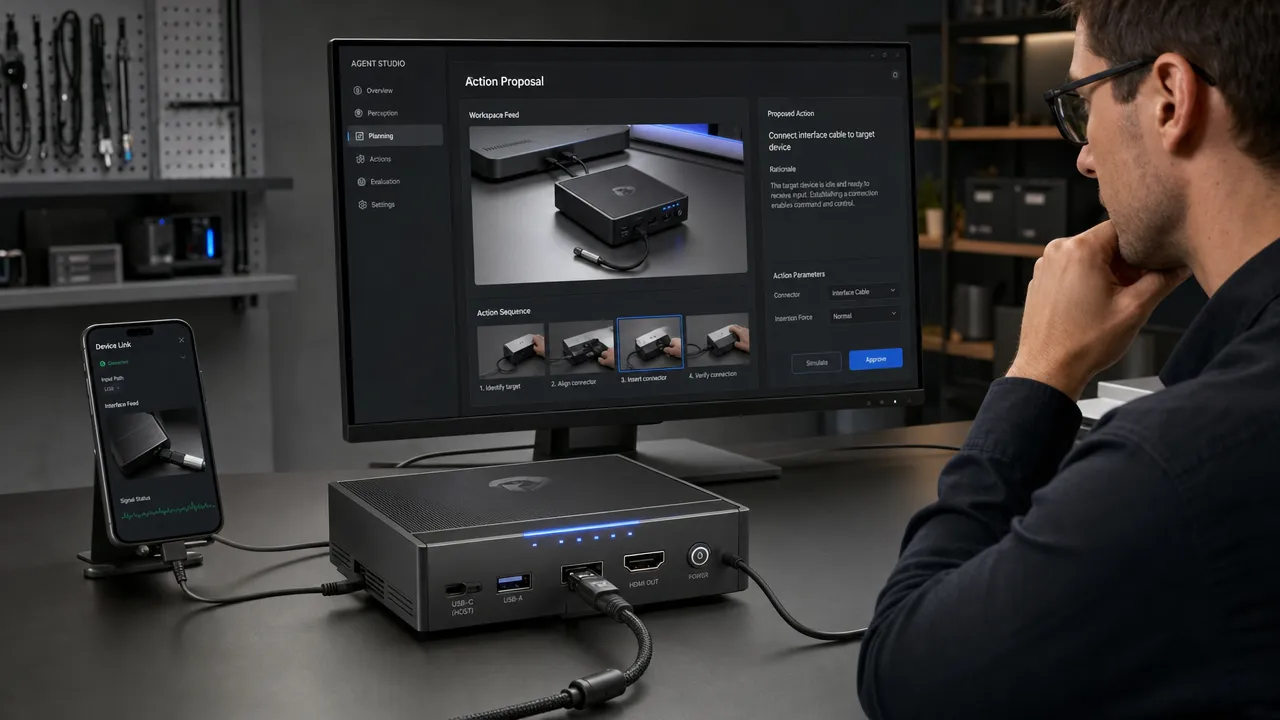
Aiden is being developed for Android and iPhone workflows. Real-device interaction can involve setup conditions, physical connections, operating-system constraints, accessibility settings, and interface variability. For that reason, an AI device agent should make its limits visible rather than disguise them behind broad claims.
The design principle is equally important: the user should remain able to interrupt, redirect, confirm, and review. A workflow automation assistant can be useful without taking ownership of the user’s judgment.
Choosing a device automation agent for browser and cross-app work
The right tool depends on the workflow, not on a category label.
| Need | A browser-first approach such as Comet | A device automation agent approach such as Aiden |
|---|---|---|
| Research across webpages | Strong fit | May be relevant when research continues onto a connected device interface |
| Questions about page content | Strong fit | Not the primary reason to choose a device-level approach |
| Web app navigation | Strong fit when actions remain browser-supported | Relevant if the workflow must continue outside the browser |
| Native mobile app handoff | Depends on integrations and platform support | A core workflow category Aiden is designed to explore |
| Desktop application interaction | Depends on available external access paths | Relevant when visible desktop interfaces are part of the task |
| System prompts and device settings | Architecture-dependent | Relevant only where an appropriate observation and control path exists |
| Consequential decisions | User review remains necessary | User confirmation, interruption, and review should remain central |
Aiden is not presented as a replacement for Comet. Many workflows may benefit from both patterns: use a browser agent for web research and browser-native tasks, then use the device automation approach where a real interface handoff becomes necessary.
Before deciding when to use the device automation approach, test the specific workflow:
- Identify every interface the task touches, including tabs, apps, dialogs, and local files.
- Define which actions are acceptable for automation and which require explicit user confirmation.
- Record device model, operating-system version, app state, permissions, and connection setup.
- Capture failures as reproducible cases rather than treating them as isolated surprises.
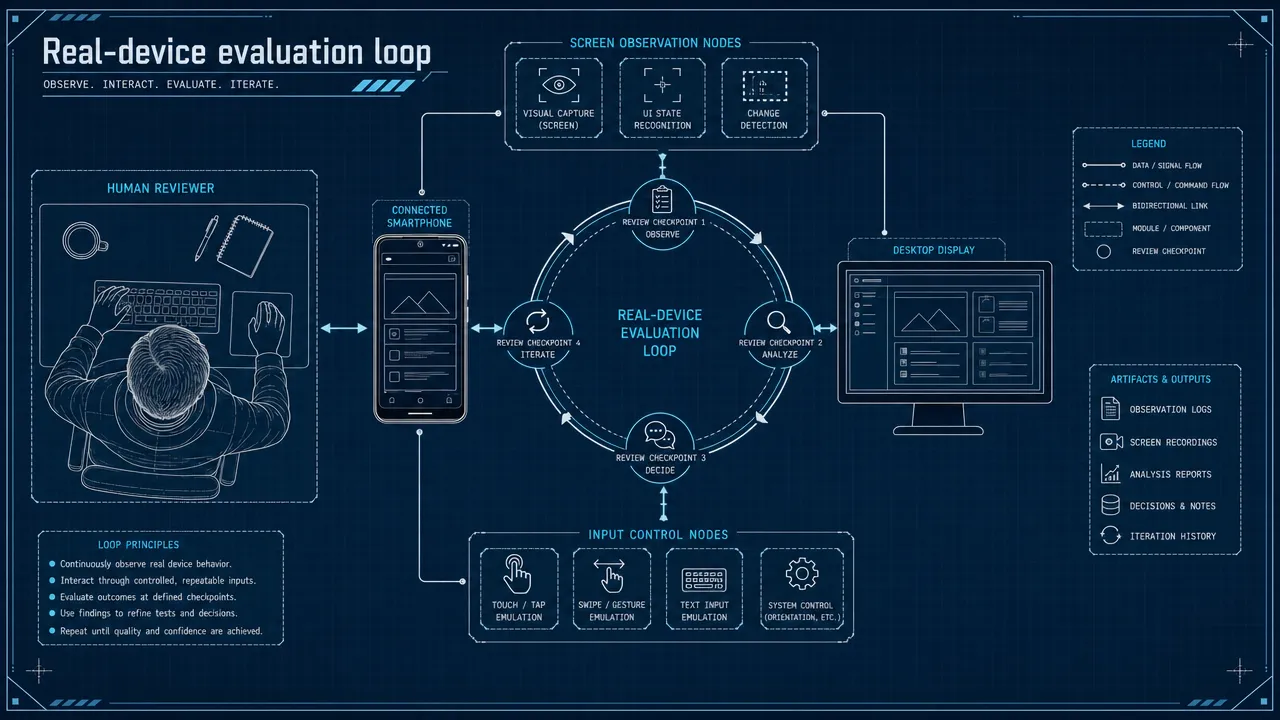
- Review whether the agent stopped or escalated appropriately when the interface became ambiguous.
This is where interface automation becomes systems work. Anthropic’s Computer Use documentation offers useful technical context: screen-based computer interaction involves screenshots, mouse and keyboard actions, and distinct risks that require safeguards. A practical evaluation process needs more than a successful demo. It needs repeatable tests, action traces, clear stop conditions, and human review.
Device automation agent FAQ
What is a device automation agent?
A device automation agent is an AI system designed to observe and interact with device interfaces rather than only a chat window, webpage, or browser tab. Its real scope depends on the product architecture, permissions, device setup, and supported interaction paths.
What can Perplexity Comet do well?
Comet is well suited to browser-based research, page-context questions, tab-oriented synthesis, web navigation, and supported actions that remain within browser-accessible surfaces. Its browser-first design is a strength when the workflow stays in that environment.
Can browser agents work across apps?
Sometimes. The answer depends on the specific product, its integrations, operating-system support, permissions, and available control surfaces. Browser agents should not be assumed to control every external app, but they also should not be treated as incapable of any external integration.
What makes Aiden different from a browser agent alternative?
Aiden’s intended distinction is its physical, real-device orientation. It is designed for human-directed work on connected smartphone and computer interfaces, including workflows that may cross browser, native-app, desktop-app, and device-interface boundaries. Its documented development-board approach uses screen capture and USB HID input, without implying universal compatibility.
Does Aiden support every phone, computer, and application?
No universal compatibility claim is supported. Aiden is being developed for Android and iPhone workflows, while real-world compatibility must be assessed case by case based on the device, operating system, connection method, app behavior, and task.
Why does human control matter in device-level task automation?
Visible interfaces change, instructions can be incomplete, and some actions carry consequences for the user. The ability to stop, redirect, confirm, and review gives the user a meaningful role when automation reaches beyond browser tabs.
Join the device automation agent builder community
Aiden is being built in public-facing technical spaces where developers can examine implementation details, discuss interface constraints, and contribute reproducible feedback.
Join the Aiden Discord to discuss physical AI agents, real-device automation, and the engineering behind Aiden. Aiden engineers are active in the community and welcome technical questions.
Explore, follow, and star Aiden on GitHub. For reproducible bugs, compatibility findings, documentation gaps, feature requests, or technical proposals, open an Issue and help improve the development of a physical AI agent.
Related posts
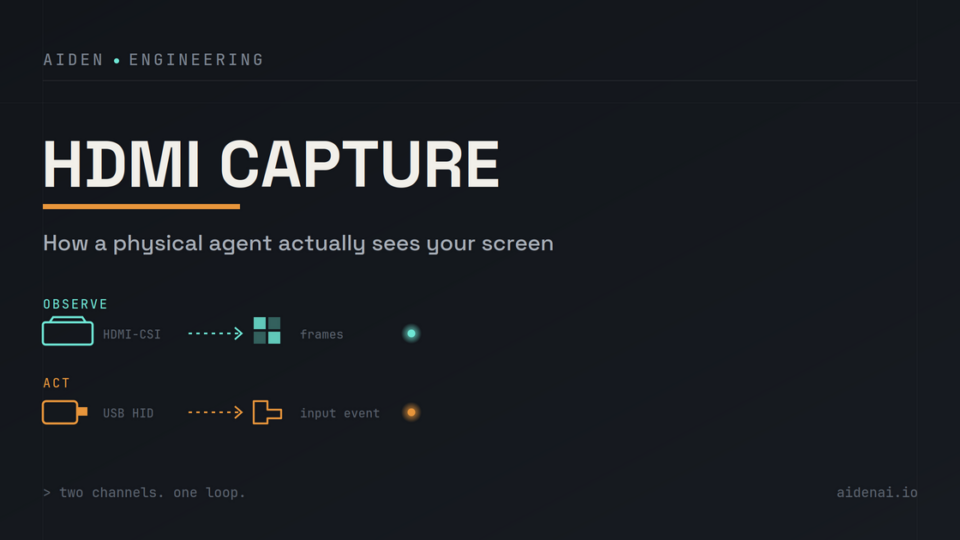
Inside Aiden’s HDMI Capture: How a Physical Agent Actually Sees Your Screen
HDMI capture for physical AI agents: observe rendered screens, send separate USB HID input, and verify UI changes after actions.
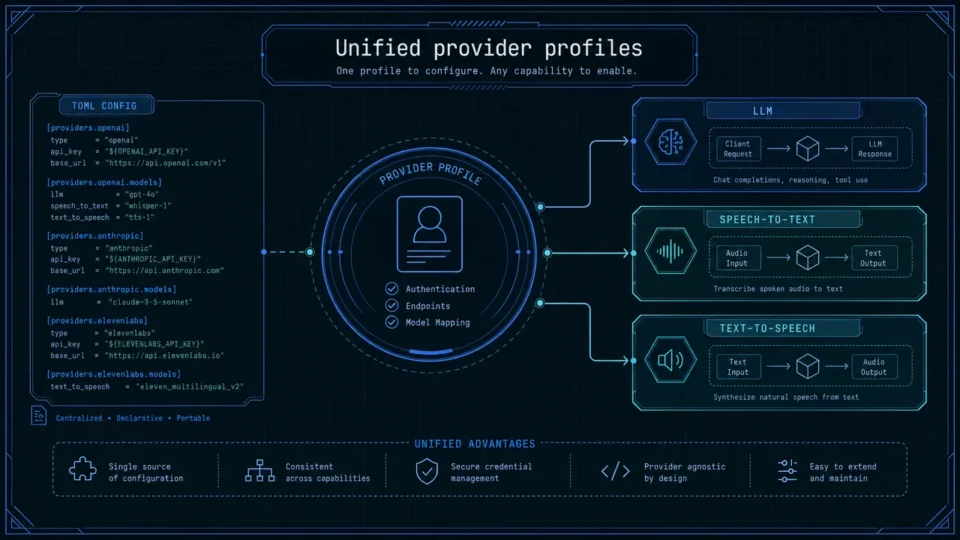
One-Click Provider Switching in Aiden Firmware
AI model provider management in Aiden centralizes LLM, STT, and TTS profiles to streamline testing across cloud and local services.
Persistent Memory System for Long-Running Agent Tasks
Improve AI agent long task reliability with persistent memory for oversized tool outputs. Explore Aiden Firmware’s update now.