Aiden Adds GPIO Quick Capture for Searchable Screen Memory
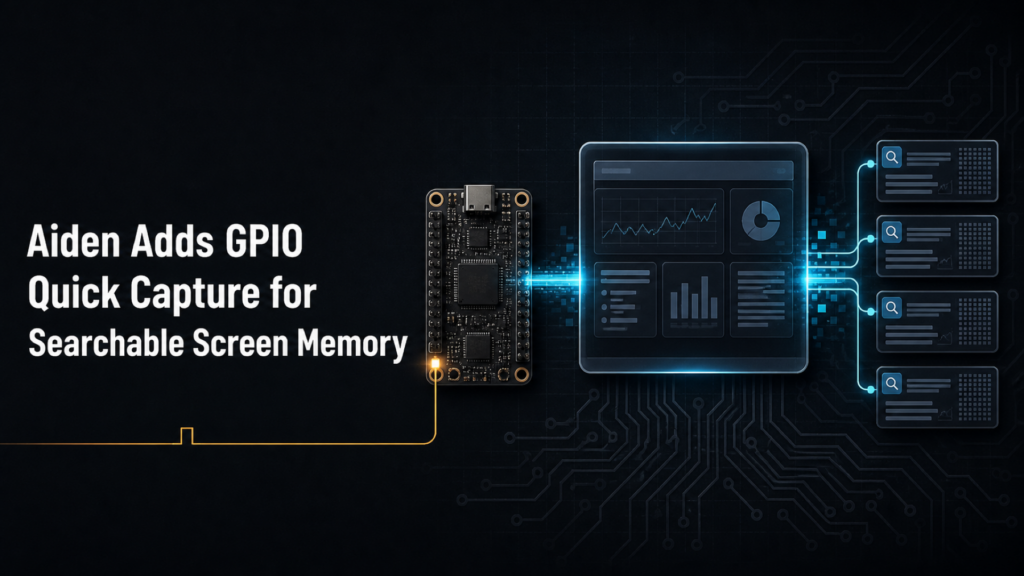
Major Update: Aiden has merged PR #546, adding GPIO Quick Capture to reduce the friction of preserving important information when it appears on screen. With this firmware progress, you can deliberately trigger a searchable capture at the moment it matters, then recall the saved information later instead of manually copying what was visible.
How GPIO screen capture memory turns a physical event into recallable context
This GPIO screen capture memory capability is specific to one audited implementation: on the Luckfox Pico Zero, GPIO3 at physical Pin 38 triggers Quick Capture on a falling edge. That prerequisite is exact. Aiden responds when the signal transitions from high to low at that GPIO and pin combination.
The scope matters for embedded and device-memory developers. This is a trigger-based, hardware-specific firmware path, not a generic screenshot feature or a claim of support for other boards, pins, or trigger modes. It does not capture screens on its own. You decide when to invoke the physical event, making the interaction useful when a transient status, identifier, prompt, instruction, or other visible detail needs to become available for later recall.
GPIO screen capture memory follows a focused capture-to-memory path
After the specified falling-edge trigger, Quick Capture captures the current screen and extracts key text from it. Aiden then writes the result as a screen_snapshot memory with source and confidence metadata.
That sequence creates a practical screen snapshot memory rather than asking you to pause your workflow and manually transcribe visible content. The memory system is designed to preserve the screen-derived context needed for subsequent retrieval, without implying that every pixel, screen element, or full original display artifact is stored.
The resulting screen_snapshot memory can be queried with recall_memory. For developers working across embedded capture, vision inputs, and device-state workflows, that means a physical action can create an explicit point of reference in memory. You can mark the moment an important screen is present and return to its searchable information later.
This is a narrow but meaningful physical trigger AI interaction: the trigger is intentional, the capture occurs in response to that event, and the memory is created for recall. Aiden does not treat this update as continuous monitoring or autonomous capture.
GPIO screen capture memory includes configurable retention
Screen-memory TTL defaults to 90 days. Aiden exposes an adjustment for that retention value on the configuration page, allowing you to align the lifetime of captured screen context with the needs of a given development workflow.
The update records source and confidence metadata alongside the stored memory. Those fields provide context associated with the capture record, while the audited update does not establish a specific metadata schema, confidence interpretation, recall ranking behavior, or query format. Similarly, the 90-day default and configuration-page control are the defined retention details; no additional expiration behavior is implied.
For teams experimenting with device memory, the value is straightforward: visible information can remain available as searchable context beyond the immediate screen state. You retain control over when a capture is initiated, while Aiden manages the resulting memory record through its established memory flow.
Why GPIO screen capture memory matters for firmware workflows
Important information often appears at inconvenient moments: a device status, a setup value, an error detail, or a short-lived screen state. Before this path, preserving that information could mean copying, retyping, or otherwise manually recording it before it disappeared.
GPIO Quick Capture gives you a deliberate alternative. When the audited Luckfox Pico Zero GPIO3, physical Pin 38, falling-edge condition is present, you can create a searchable memory from the current screen and revisit it with recall_memory. That reduces manual-copying friction while keeping the feature tied to a defined physical trigger and a specific board context.
Aiden’s firmware work continues to focus on useful device-level interactions that connect screen context to memory without overstating the behavior. Review the implementation reference in PR #546, follow the Aiden firmware repository, and join the Aiden Discord community.
Related posts
Human-in-the-Loop AI Agents: Pause, Approve, Redirect and Resume
Interruptible AI agent design uses preemption, task cancellation, and context control to keep physical AI actions redirectable.
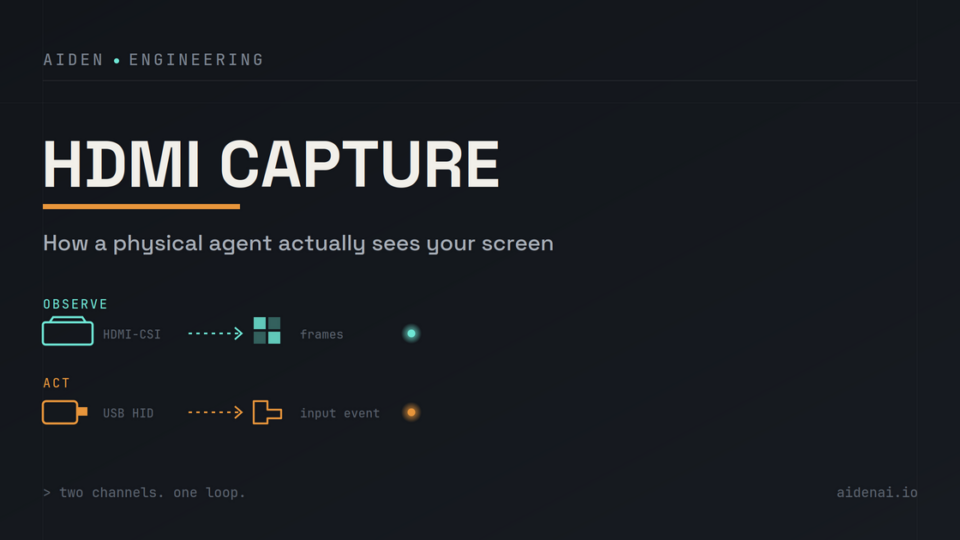
HDMI Capture for AI Agents: Out-of-Band Vision, Latency and Trade-Offs
HDMI capture for physical AI agents: observe rendered screens, send separate USB HID input, and verify UI changes after actions.
Aiden Open-Source Kit: From Setup to AI Agent
Build an AI agent hardware device with Aiden’s open-source firmware, HDMI capture, USB HID controls, and approval gates for safe workflows.