USB HID vs ADB: How AI Agents Control Mobile Devices
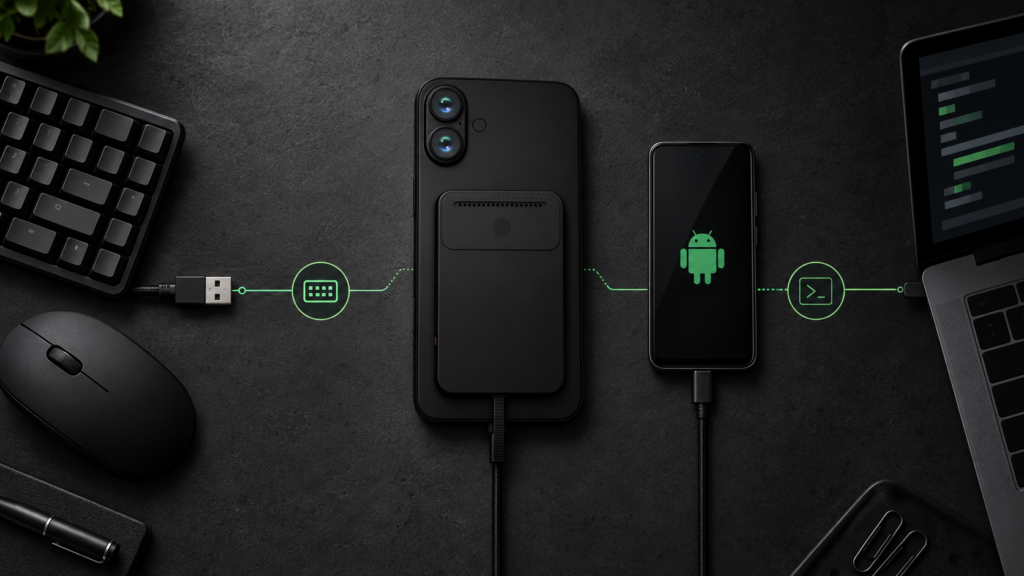
USB HID and ADB can both let an AI agent send actions to a mobile device, but they operate through different trust boundaries. USB HID presents external input such as keyboard, pointer or supported touch-style reports to a compatible target. ADB uses Android’s developer bridge to send commands through an authenticated debugging connection.
The practical choice depends on the target operating system, the available hardware, the permission model and the feedback an agent needs after each action. HID is the broader physical-input route. ADB is the deeper Android-specific developer route.
What Is USB HID?
USB Human Interface Device, or USB HID, is the standard device class used by peripherals such as keyboards, mice and other input devices. A compatible controller can present itself to a phone, tablet or computer as one or more HID interfaces and send input reports that the operating system handles as external user input.
For an AI agent, that can support actions such as:
- pressing keys or key combinations;
- entering supported text;
- moving a pointer;
- clicking or scrolling;
- sending supported touch-style gestures when the device profile and target allow them.
HID is an input transport, not a complete automation system. The agent still needs a separate way to observe the screen, interpret the current state and verify that an action had the intended result. A physical HID path does not automatically provide screenshots, UI structure, application state or error messages.
USB HID prerequisites
A HID-based agent generally needs:
- hardware or an operating-system USB gadget interface that can expose HID endpoints;
- a physical USB connection or compatible adapter path;
- a target device that accepts the declared keyboard, pointer or touch profile;
- any operating-system settings required for external input;
- a separate observation path if the agent must see and verify the interface.
On iPhone and iPad, pointer-style input can require AssistiveTouch to be enabled. Keyboard layout and pointer behavior can also vary by device configuration. On Android, external keyboards and pointing devices are broadly supported, but device vendors and app behavior can still affect the result.
USB HID strengths and limits
HID can work across Android, iOS and desktop operating systems because it uses a physical input standard rather than an Android-only debugging interface. It can also keep the action path outside the target app’s integration layer.
That portability should not be confused with identical behavior. Key mappings, text entry, gesture support, keyboard layouts, focus handling and pointer semantics can differ across operating systems and devices. A HID action may also fail without producing the diagnostic detail available through a developer interface.
What Is ADB?
Android Debug Bridge, or ADB, is Android’s developer communication system. It connects an ADB client on a host to the ADB daemon on an Android device through an authenticated debugging relationship.
Depending on the device, Android version and granted access, ADB can support tasks such as:
- sending shell input commands;
- launching or inspecting Android components;
- installing and debugging applications;
- capturing screenshots;
- collecting logs and diagnostics;
- transferring files;
- querying selected device state.
For an AI agent, ADB can provide a more instrumented Android control path than HID. It may combine action delivery with Android-specific observation or diagnostics. It is not a cross-platform equivalent of HID, and it is not available as a normal control route for iPhone or iPad.
ADB prerequisites
ADB normally requires:
- an Android target;
- Developer options and USB or wireless debugging to be enabled;
- an authenticated host connection accepted on the device;
- compatible drivers or networking where required;
- an execution environment with the ADB client and the necessary device access.
These prerequisites make ADB valuable for development, QA, laboratories and managed Android environments. They can also make it unsuitable for uncontrolled consumer devices or deployments where debugging access should not remain enabled.
ADB strengths and limits
ADB provides Android-specific control and diagnostic capabilities that HID does not. It can make test automation easier to inspect, reset and debug. It can also support actions that do not map neatly to a physical keyboard or pointer.
Its main boundary is equally clear: ADB is an Android developer interface. Behavior can vary by Android version, vendor build, permissions and device policy. Some commands require additional privileges, and an authenticated debugging connection is a significant trust relationship that must be managed deliberately.
USB HID vs ADB
The choice is not simply “hardware versus software.” It is a choice between an external input path and an authenticated Android developer path.
| Criterion | USB HID | ADB |
|---|---|---|
| Platform support | Potentially works with Android, iOS and desktop targets that accept the declared HID profile | Android only |
| Setup | Requires compatible HID hardware or USB gadget support, cabling and target-specific input settings | Requires Android Developer options, debugging, host tools and device authorization |
| Privileges | Usually operates as external user input rather than a privileged app integration | Operates through Android’s debugging interface; command capability depends on device permissions and configuration |
| Visibility to the app layer | Apps generally receive input through normal keyboard, pointer or touch event paths | Input commands may resemble user actions, while shell, package and diagnostic commands operate through the developer layer |
| Input fidelity | Strong for supported keyboard, pointer and gesture reports; behavior depends on descriptors and target interpretation | Strong for Android commands supported by the device; not all physical interaction semantics are identical |
| Device prerequisites | Compatible USB role, adapter/cable path, HID profile support and any required OS settings | Android device with debugging enabled and an authenticated ADB connection |
| Developer access | Does not require ADB, but the controller and HID descriptors must be configured correctly | Explicitly requires developer/debugging access |
| Production suitability | Can suit controlled hardware-assisted systems after device-specific validation; not automatically universal or production-ready | Best suited to managed Android, development and controlled environments; persistent debugging access needs careful governance |
| Testing suitability | Useful for end-to-end testing through a physical input path | Strong for Android QA because control, screenshots, logs and device commands can share one developer connection |
| Portability | Broader standard, but key maps, gestures and pointer behavior still vary | Consistent concept within Android, but implementation details vary across versions and vendor builds |
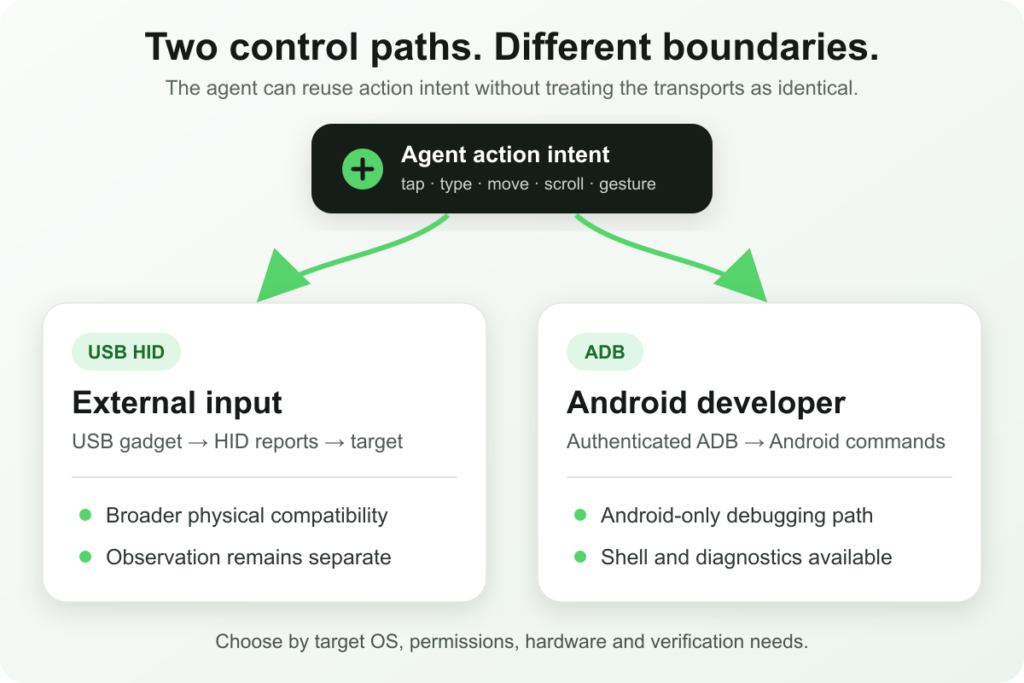
The diagram shows the architectural difference: an agent may express similar high-level actions through either route, but the transport, permissions and feedback available underneath remain different.
When HID Makes Sense
USB HID is a strong candidate when the system needs to interact through the same external-input boundary available to a keyboard, mouse or compatible touch device.
It is especially useful when:
- the target may be Android, iOS or a desktop operating system;
- installing an automation app on the target is undesirable or unavailable;
- the workflow should exercise the visible interface rather than an internal application API;
- a hardware-assisted test or device-use system already has a separate screen-observation path;
- the environment can standardize cables, adapters, device settings and HID profiles.
HID is less attractive when a workflow depends on Android diagnostics, package management, logs or other developer-only operations. It also requires more validation when the workflow involves complex gestures, non-ASCII text, changing keyboard layouts or inconsistent focus behavior.
When ADB Makes Sense
ADB is the stronger choice when the target is Android and the environment can legitimately enable and govern debugging access.
It is especially useful when:
- developers or QA teams need repeatable control of Android devices;
- the workflow needs screenshots, logs, shell commands or package operations;
- devices are managed in a laboratory, test rack or controlled fleet;
- failures must be inspected with Android-specific diagnostics;
- the team can maintain device authorization and account for Android-version differences.
ADB is a poor fit for iOS, unmanaged consumer devices or environments where enabling debugging creates unacceptable operational or security risk.
Where Accessibility Fits
Accessibility services are a separate control model. Where the platform, application and permission policy allow it, an accessibility layer may expose semantic information such as labels, roles and available actions. That can be more structured than reasoning from screenshots and sending coordinates.
Accessibility should not be treated as a drop-in replacement for HID or ADB. It depends on platform permissions, supported UI elements, policy constraints and the quality of the accessibility information exposed by each app.
There is also an important terminology distinction on iOS: enabling AssistiveTouch so a connected device can provide pointer-style input is not the same as giving an agent access to an accessibility tree. In Aiden’s current HID setup, AssistiveTouch is a target-device prerequisite for pointer control, not evidence that the agent is automating apps through accessibility metadata.
How Aiden Uses Control Paths
Aiden’s current public implementation is a development-board and firmware reference system. Its agent runtime expresses familiar actions—such as tapping, typing, moving, scrolling and supported gestures—through a shared mouse-and-keyboard provider layer. The configured backend then sends those actions through a distinct transport.
In the current firmware:
- the default
hidbackend writes USB HID reports to the configured gadget interfaces; - the
adbbackend uses a paired Android ADB connection and Android input commands; - the paths share action semantics where practical, but they are not the same transport and do not guarantee identical behavior;
- Aiden’s HDMI capture path provides screen images separately from the HID input path, allowing the agent to observe, act and verify.
The development-board HID configuration exposes separate keyboard, pointer/touch and consumer-control interfaces. The exact behavior still depends on the selected device profile and target operating system. For example, Aiden’s documentation notes iOS keyboard-layout constraints, AssistiveTouch requirements and gesture-handling differences.
For current implementation details, see Aiden’s USB HID service documentation, agent configuration guide and explanation of its unified HID, ADB and HTTP provider layer.
Limitations
Neither HID nor ADB makes mobile device automation universal. A reliable system must account for the following constraints.
Operating-system differences
Android, iOS and desktop operating systems interpret external input differently. A workflow validated on one platform should not be assumed to behave identically on another.
iOS requirements
iOS does not provide ADB. A HID-based pointer setup may require AssistiveTouch and other device settings. Hardware keyboard layout can be fixed when the device enumerates, so layout changes may require reconnecting the HID interface.
Android configuration
ADB requires debugging to be enabled and the host to be authorized. Vendor builds, enterprise policy and Android versions can change available commands or connection behavior. HID avoids the ADB requirement but still depends on the target accepting the external input profile.
Input quirks
Focus can move unexpectedly, keyboard layouts can differ, text methods can reject unsupported characters and modifier keys can behave differently across targets. Aiden’s current HID documentation distinguishes ASCII keyboard injection from higher-level text entry for non-ASCII content.
Unavailable or inconsistent gestures
Not every gesture maps cleanly across HID and ADB. Dragging, long presses, multi-touch actions and application-specific gestures may need separate implementation and verification. A high-level action name does not guarantee identical low-level execution.
Hardware dependencies
HID requires a compatible controller, cable or adapter path and suitable USB roles. Aiden’s current reference architecture also requires a supported video-output and capture path for visual observation. Those are system prerequisites, not minor accessories.
State and verification
Both methods can act on the wrong screen if the agent’s state is stale. Pop-ups, notifications, animations and delayed loading can move or obscure controls. High-impact actions should include explicit visual verification and human approval where appropriate.
FAQ
Is USB HID the same as ADB?
No. USB HID presents external input reports such as keyboard or pointer actions. ADB is Android’s authenticated developer bridge and can provide shell, debugging and diagnostic capabilities in addition to supported input commands.
Does ADB work on iPhone?
No. ADB is an Android tool. iPhone and iPad use different platform interfaces and can receive supported external input through routes such as USB HID when the hardware and settings are compatible.
Which is better for AI agent phone control: HID or ADB?
Neither is universally better. HID is more portable across device families and exercises an external-input path. ADB is deeper and easier to instrument on Android. The right choice depends on the target OS, permission model, hardware setup and required diagnostics.
Can USB HID perform taps and swipes?
It can support pointer or touch-style actions when the controller exposes the appropriate HID profile and the target device interprets those reports. Gesture coverage and behavior must be validated for each device configuration.
Does Aiden require ADB?
No. Aiden’s current firmware supports distinct configured input backends. HID is the default backend in the public configuration, while an ADB backend is available for paired Android environments.
Is either method enough without screen observation?
Not for a visual agent that must understand results. The system still needs reliable state observation and verification. Aiden separates screen capture from its HID action path so the agent can check the interface before and after actions.
The Practical Decision
Choose USB HID when you need a physical, external-input route across compatible device families and can standardize the hardware and observation setup. Choose ADB when you control an Android environment and need developer-level instrumentation, diagnostics or Android-specific commands.
The important design principle is to keep the high-level action model separate from the transport beneath it. That makes it possible to reuse agent intent where appropriate without pretending that HID and ADB have the same permissions, behavior or deployment constraints.
Related posts
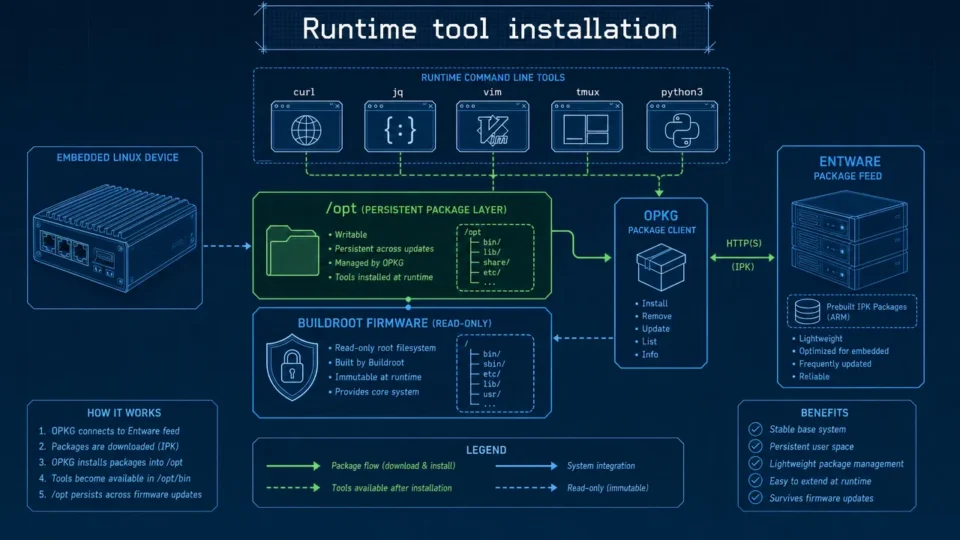
Embedded Package Management Without Rebuilding Firmware
Embedded package management in Aiden Firmware uses OPKG and Entware to install approved tools at runtime while keeping Buildroot stable.
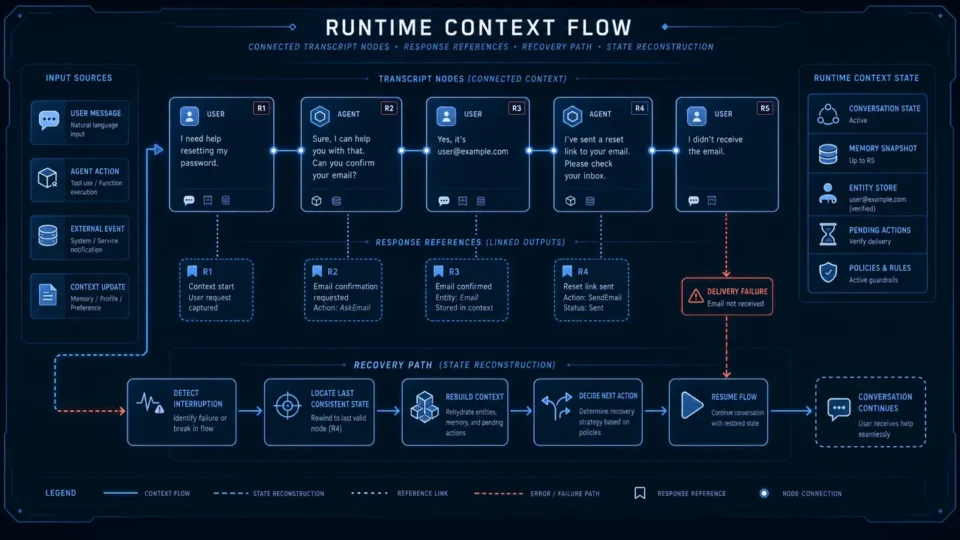
Aiden Adds Responses API Context Recovery and Anthropic Stream Support
AI agent context recovery in Aiden adds API selection, truncation controls, and local transcript rebuilds for expired references.
Aiden Builds Persistent Memory for Tasks and Notifications
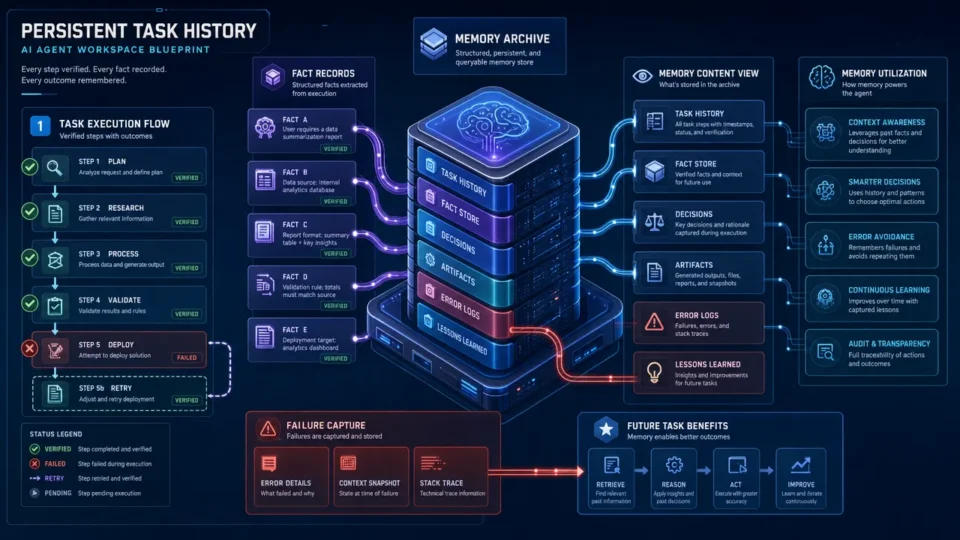
AI agent task memory uses verified history and notification recall to reduce context loss across long-running work with lifecycle rules.